
Best Design Tools products of the week July 6, 2026
Explore the most innovative and popular design tools products that captured the community's attention during week. These rankings help builders compare standout launches, understand what each product does, and discover practical tools shaping the future of technology.
Period
Weekly ranking
Published for
July 6, 2026
Selection
4 ranked products
Ranked list
Community-backed design tools picks
Each product profile includes the launch story, visual preview, and direct product link so readers can move from discovery to evaluation quickly.
01
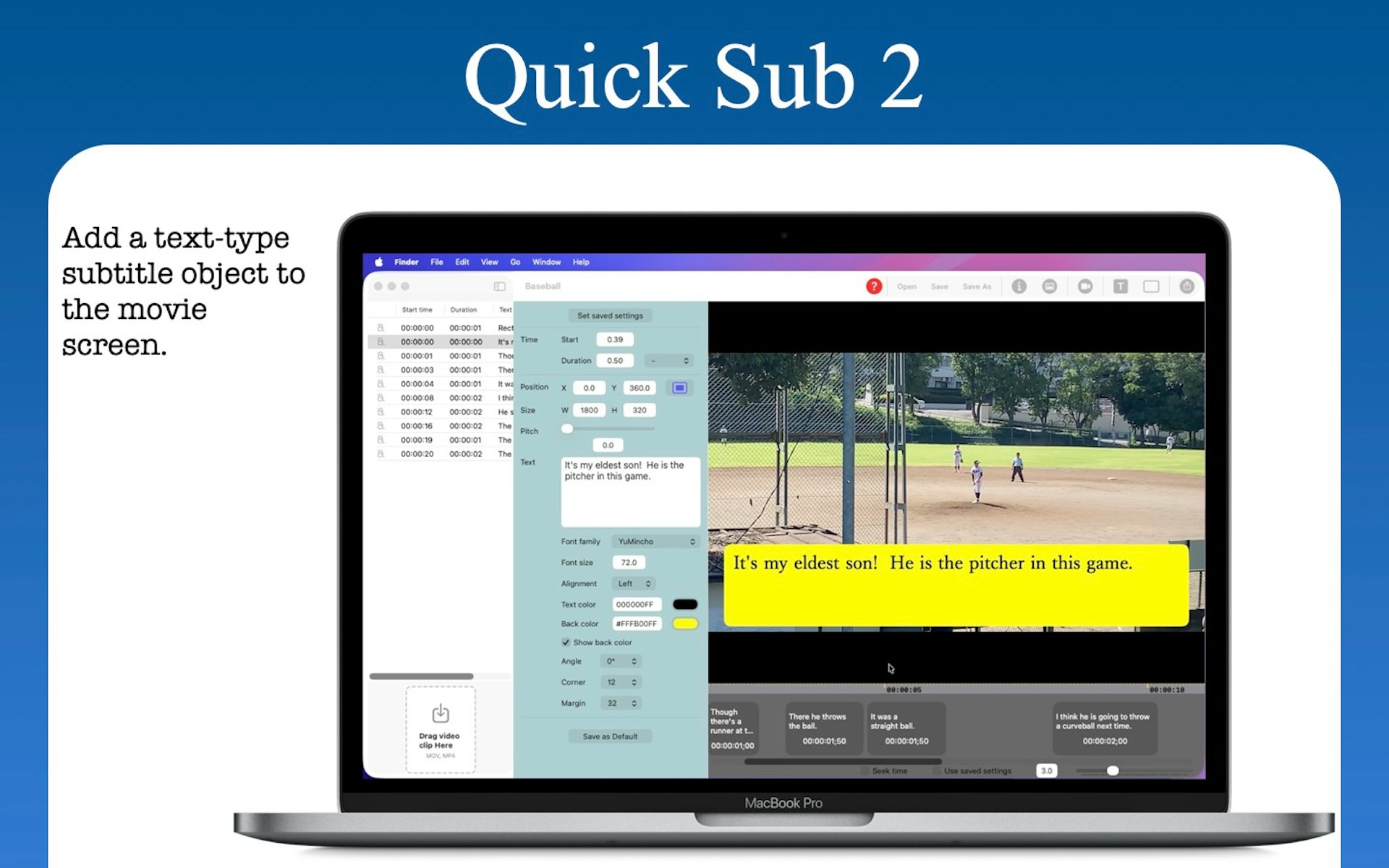
Quick Sub 2 is a streamlined macOS application built in SwiftUI specifically for creative video subtitling. It gives you independent control over text styling, container geometry, and rotation angles. You can drag subtitle objects directly on the video canvas for perfect positioning, apply batch styles across multiple objects with a single command, and use a dynamic timeline that scales from 0.1x to 10x for precision timing. The app includes full native undo and redo support and reliable file persistence.
02

Simply type a quick prompt and watch as the app generates a beautiful, organized planner for you. You can select a theme that matches your personal style and download the final result as a convenient PDF file. This tool is designed to help you manage major life events such as weddings, religious pilgrimages, preparing for a new baby, or handling the logistics of a big move.
03

Adam brings powerful AI assistance directly into the CAD tools mechanical engineers use every day. You can create and edit parts using simple natural language prompts, reference specific geometry, clean up complex feature trees, and keep your designs fully editable. It integrates natively into Onshape and Autodesk Fusion to streamline your entire design process.
04
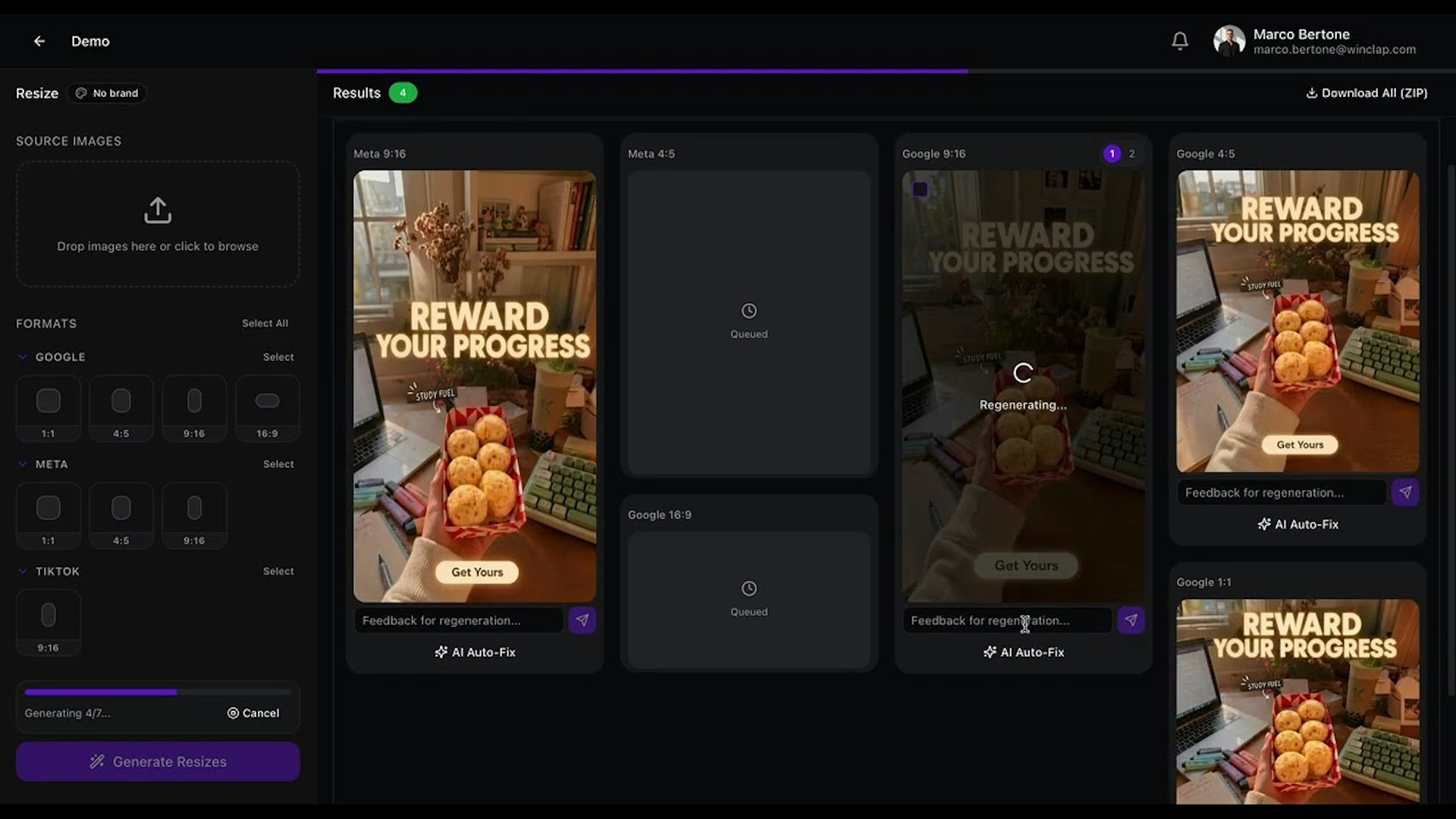
Senior Designers should not have to spend their time manually resizing assets or worrying about TikTok safe zones. PixFit streamlines your workflow by turning one key visual into every ad format you need. It ensures your designs are brand-perfect and platform-specific so they are ready to ship immediately, saving you hours of tedious production work.