
Best Mac products of the month June 2026
Explore the most innovative and popular mac products that captured the community's attention during month. These rankings help builders compare standout launches, understand what each product does, and discover practical tools shaping the future of technology.
Period
Monthly ranking
Published for
June 2026
Selection
10 ranked products
Ranked list
Community-backed mac picks
Each product profile includes the launch story, visual preview, and direct product link so readers can move from discovery to evaluation quickly.
01

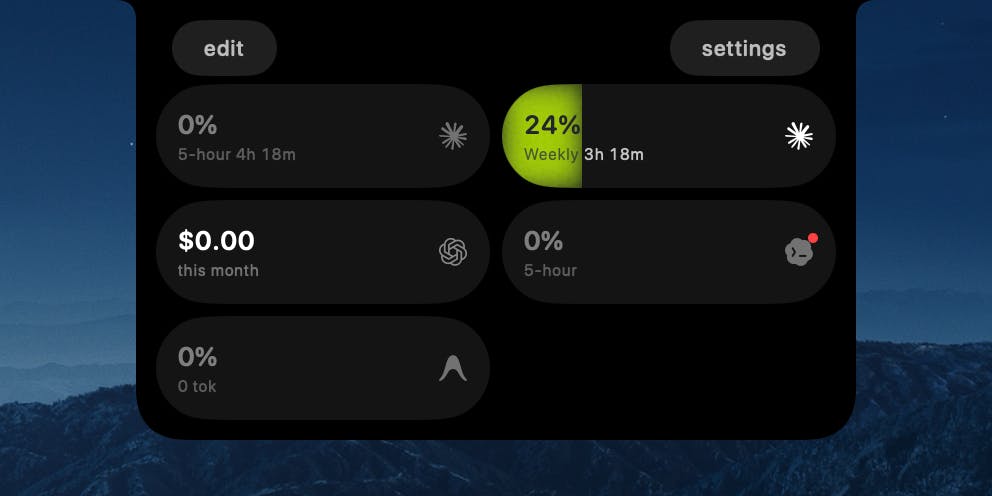
TrackNotch is a native macOS application that offers real-time monitoring of your AI tool usage, conveniently displayed directly within your MacBook's notch. This innovative app provides instant visibility into your Claude, OpenAI, Cursor, and Codex usage, including context arc, budget tracking, and current rate limits. Designed with privacy as a core principle, all data processing is strictly local to your machine; there are no proxies, no telemetry, and absolutely nothing leaves your device. TrackNotch is completely free and open-source, providing transparency and control over your AI resource consumption.
02

Clipto AI offers a powerful, privacy-focused solution for managing your digital media, similar to Google Photos but entirely local. It transforms vast amounts of video, audio recordings, meeting transcripts, and various files into easily searchable memories, all without ever uploading your sensitive data to the cloud. Clipto intelligently tags people, recognizes dialogue, and identifies distinct scenes automatically, enabling you to pinpoint any specific moment hidden within your extensive media library simply by describing what you need. This advanced indexing is remarkably fast, with Clipto capable of processing 2 terabytes of video on a MacBook Pro M5 in just 24 hours, ensuring quick access to your most important information.
03

Presentify is a versatile macOS application designed to enhance your presentations and screen sharing experiences. It allows you to effortlessly annotate your screen, highlight your cursor to draw attention, spotlight important areas for emphasis, and zoom in for a closer, more detailed look. This powerful tool works flawlessly with all major presentation applications, including Keynote, Google Slides, and Microsoft PowerPoint. Furthermore, it integrates perfectly with popular video calling platforms such as Zoom, Microsoft Teams, and Google Meet, making your online interactions more engaging and effective.
04

We all know that frustrating moment: you are certain a file exists, but Spotlight just cannot seem to find it. Stella solves this problem elegantly. Simply describe what you are looking for, using natural language like, "my cheat sheet for the final exam," or "the product spec from last week's meeting," and Stella will quickly locate it. From there, you can easily drag the file straight into an email like Gmail, open it directly, or even launch any associated application, all from the same convenient search bar. It is a single, powerful shortcut for your entire Mac, completely free, private, requires no account setup, and it happily welcomes even the most disorganized filenames.
05

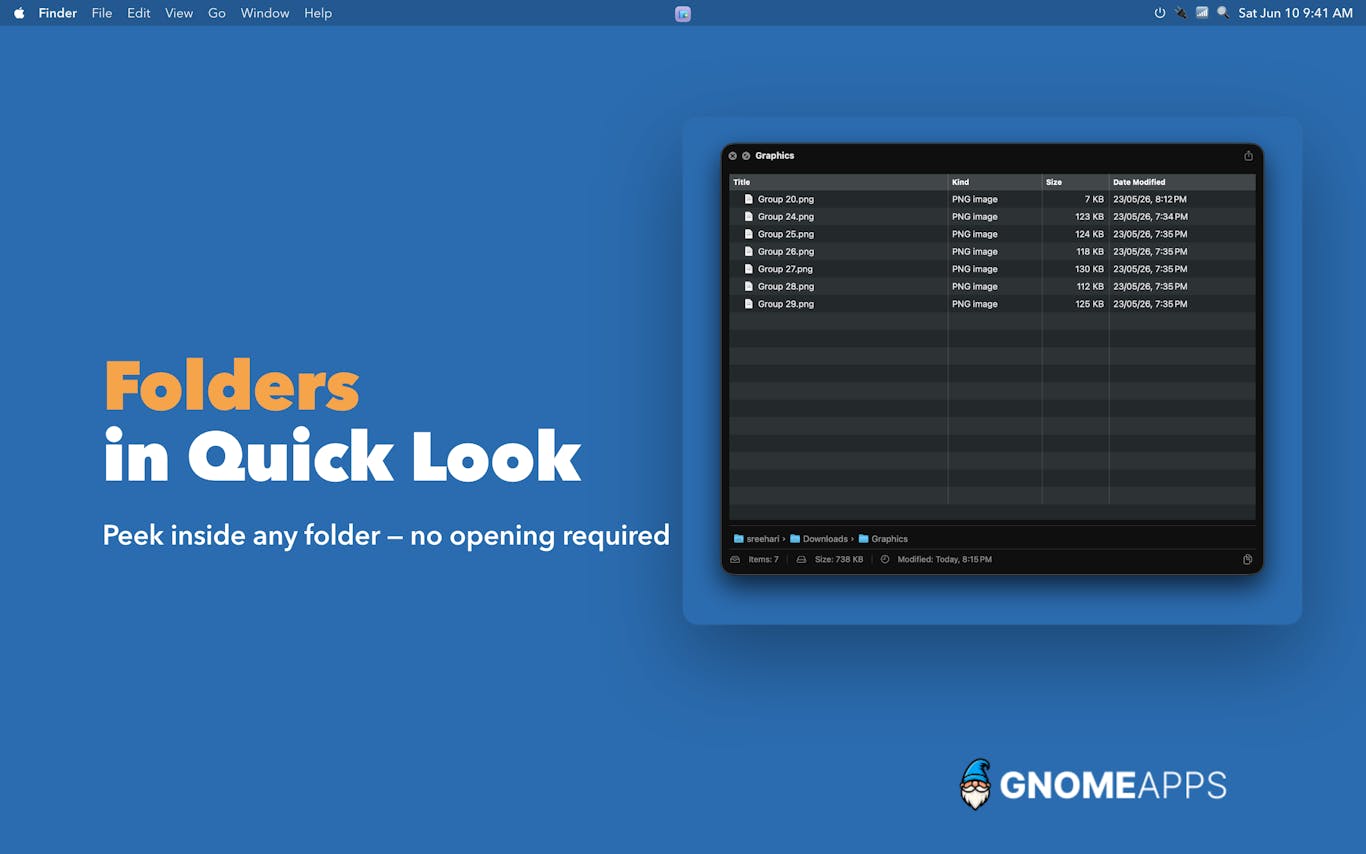
FolderPlus revolutionizes how you preview folders and archives on your Mac, delivering the rich, instant Quick Look experience you always deserved. This powerful utility supercharges your macOS Quick Look feature, providing immediate and detailed previews for both standard folders and compressed archives like ZIP files. Simply select any folder or ZIP file and press the Space bar to instantly see its contents, eliminating the need for tedious clicking, waiting, or manual extraction. FolderPlus is the essential missing feature that Quick Look should have always included, built natively for macOS to seamlessly integrate and disappear into your daily workflow, enhancing productivity without interruption.
06

RadianceKit is the pioneering native macOS application for 3D Gaussian Splatting, transforming how you create photorealistic 3D models. Simply drop in your photos or video footage of any object or scene, and RadianceKit intelligently aligns the cameras, trains the underlying model, and renders a stunning, photorealistic 3D reconstruction. All this complex processing is handled efficiently and entirely locally on your Mac's GPU, eliminating the need for Python, CUDA, or cloud services. It offers a convenient Simple Mode for one-click results, specialized Scene-Class Presets for Render, Outdoor, or Indoor environments, and comprehensive Expert controls for advanced users. You can export your creations to six different formats, generate captivating orbit videos, and share them via integrated web viewers. Optimized for M1 Macs and newer, it is available for a one-time purchase of $7.99, with a 3-day trial period to experience its capabilities firsthand.

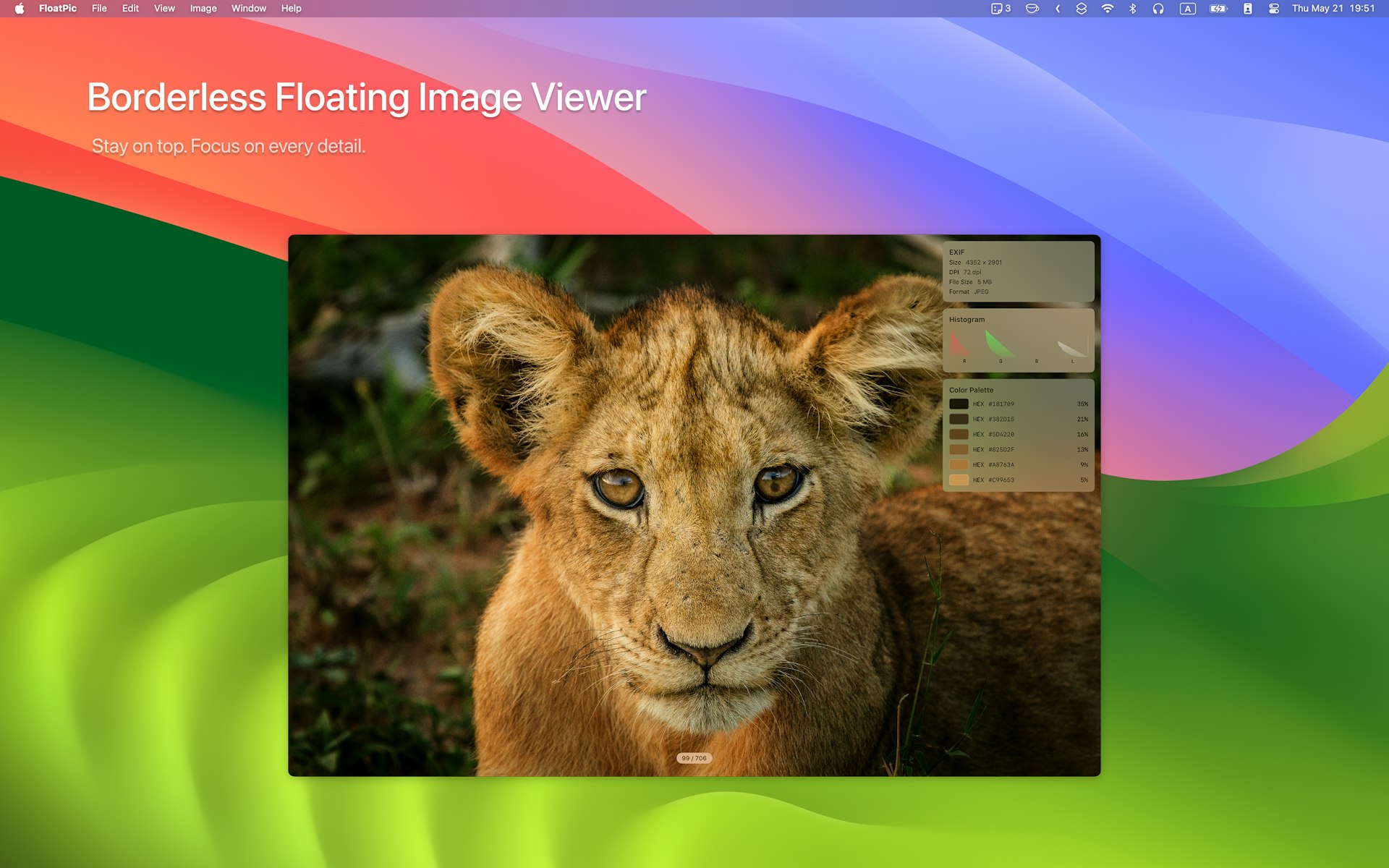
08

hora Calendar is a native Mac application built for Google Calendar users. It lets you view your next meeting directly in the menu bar, join Zoom, Meet, or Teams calls with a single click, and schedule focus time quickly. It syncs directly with Google without proxying your private calendar data through external servers.
09

Limelight ensures your audience can follow everything you do on screen. It highlights your cursor, displays the keys you press, and allows you to draw directly on the screen. It works with tools like Zoom, OBS, Keynote, and Google Slides. It is a native, offline tool that requires no account or subscription, available for a one-time fee of 9 dollars with a 7-day free trial.
10

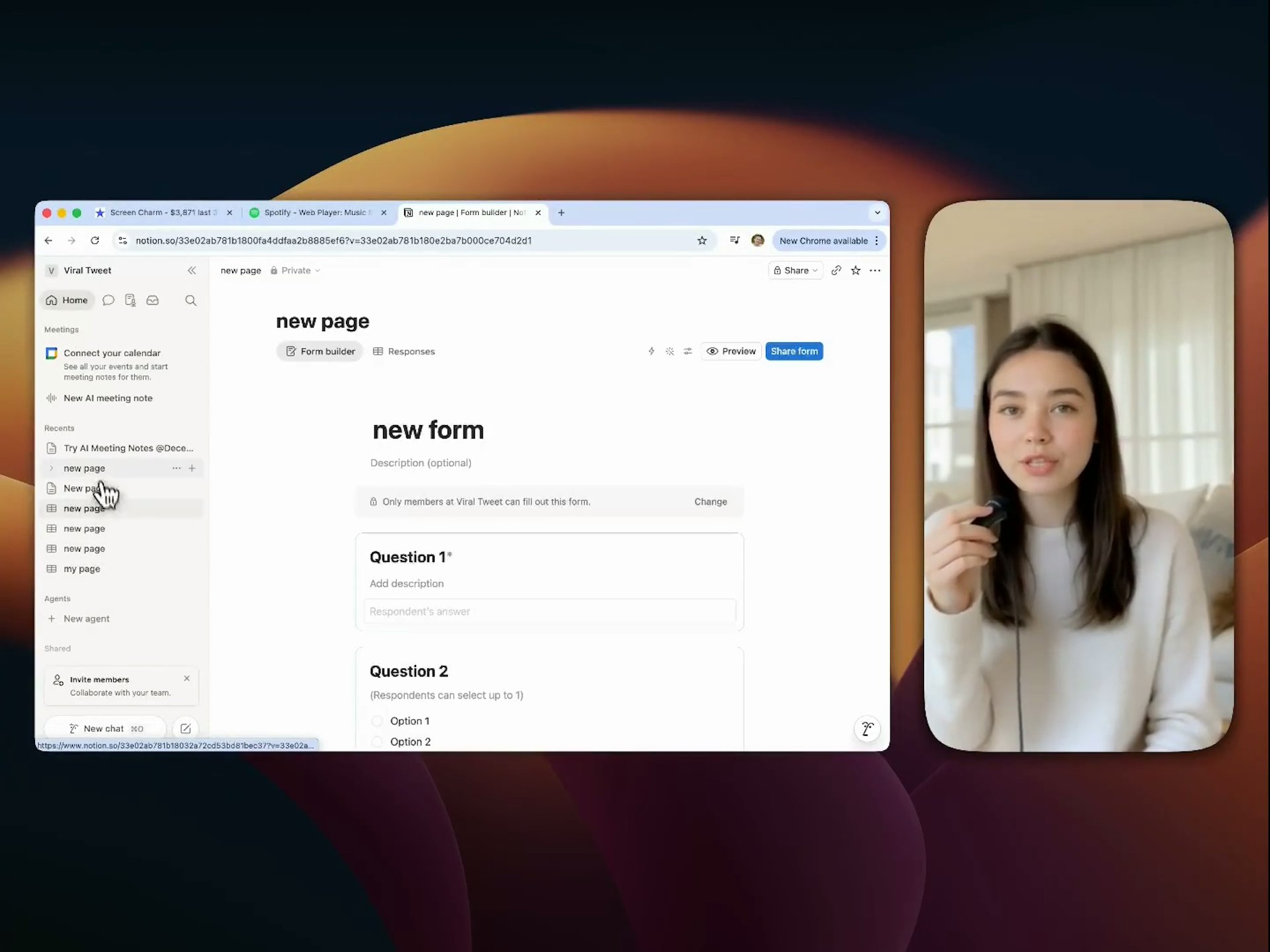
Record your screen and transform raw clips into professional videos instantly. ScreenCharm includes smart zoom, motion blur, webcam overlays, and background music, all within a simple built-in editor. It removes the need for complex software or monthly subscriptions. You can export in 4K to create polished product demos, user onboarding, or tutorials that look great. It is a one-time purchase designed for high-quality results.