
Best Mac products of the week September 14, 2026
Explore the most innovative and popular mac products that captured the community's attention during week. These rankings help builders compare standout launches, understand what each product does, and discover practical tools shaping the future of technology.
Period
Weekly ranking
Published for
September 14, 2026
Selection
7 ranked products
Ranked list
Community-backed mac picks
Each product profile includes the launch story, visual preview, and direct product link so readers can move from discovery to evaluation quickly.
01

Speechmark is a private macOS meeting-notes app that runs entirely on your Mac. It records, transcribes, and summarizes your meetings locally, so your data never leaves your device. You get decisions, action items, and speaker-attributed transcripts, all without a bot joining your call or requiring an account. It's a one-time purchase, so you own it forever. And if you're a developer, Speechmark integrates nicely with Claude Code using its MCP server, making it easy to bring meeting insights into your workflow. For anyone who values privacy and wants a reliable meeting companion, Speechmark is a solid choice.
02
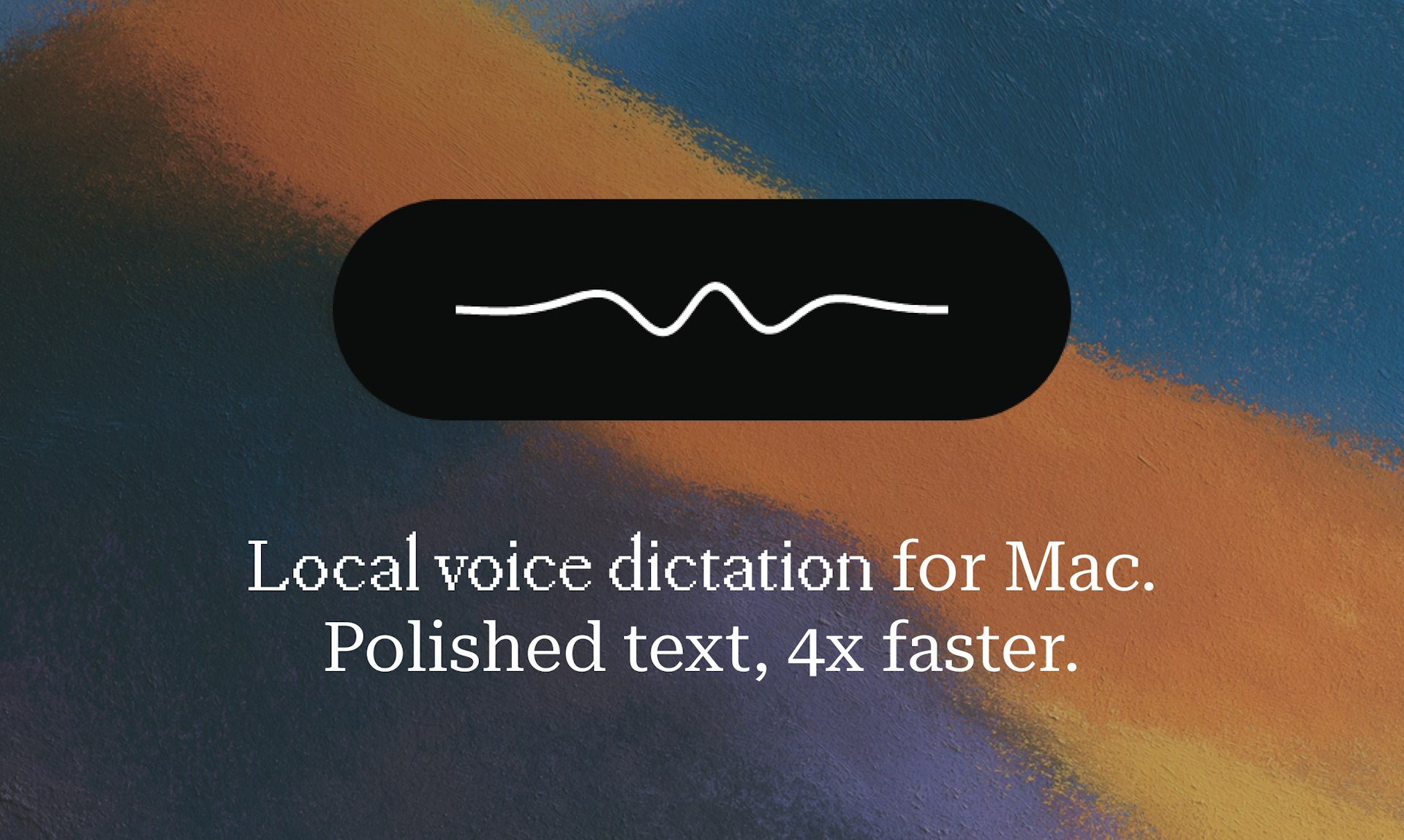
Hold a key, speak, release, and polished text lands in any app on your Mac. Epilude transcribes, punctuates, cleans up, and matches your tone in about a second. It runs fully on-device, so your audio never leaves your Mac. This means you can dictate quickly and get clean, ready-to-use text without worrying about privacy or lag.
03
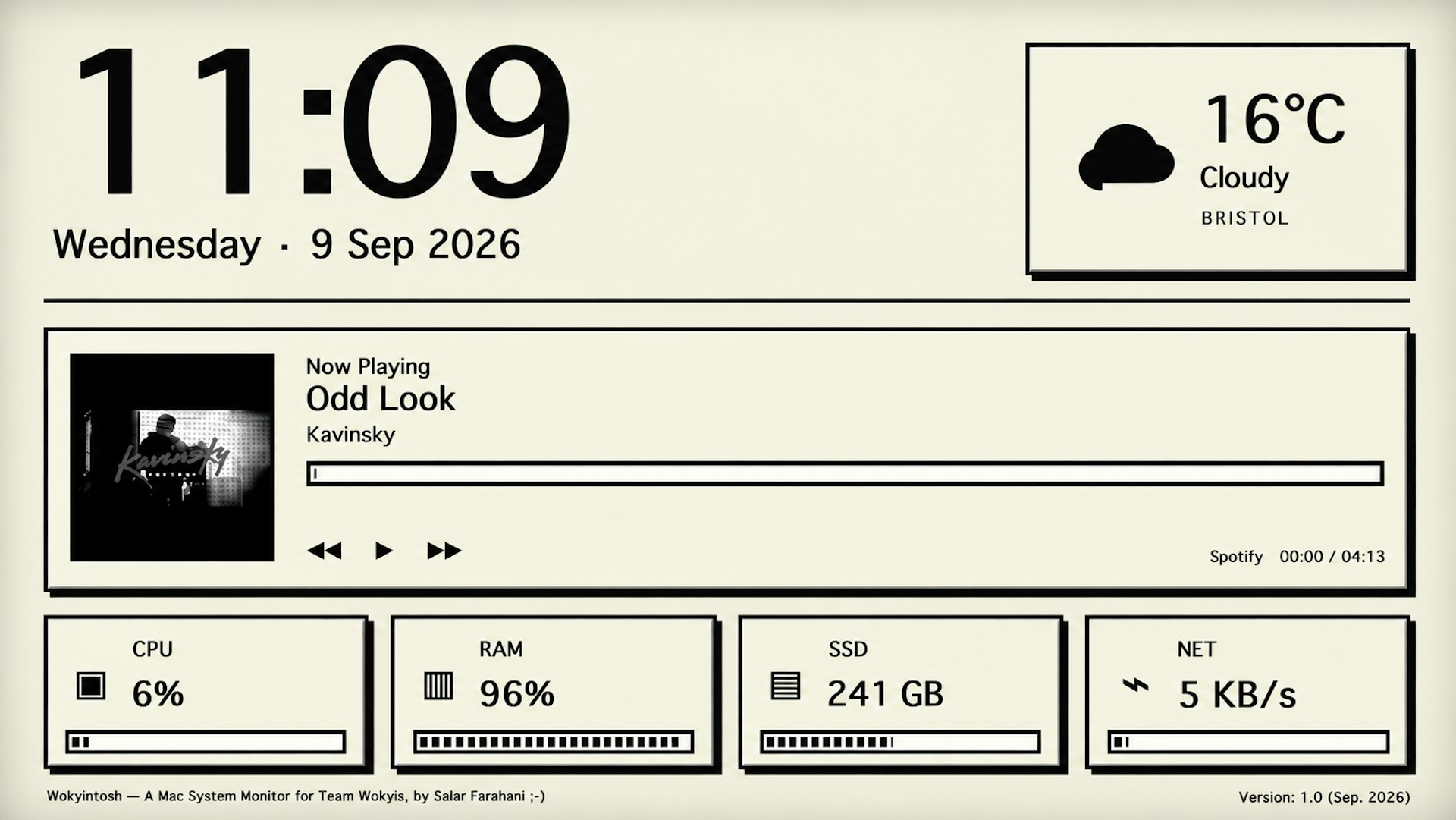
Wokyintosh is a free, open-source macOS dashboard inspired by the classic Macintosh. It shows a large clock and date, local weather, Apple Music and Spotify Now Playing with artwork, and live CPU, RAM, SSD, and network stats. I built it for my Wokyis M5 Retro Dock Station after months of not finding the dashboard I wanted, even among paid apps. It brings a nostalgic look with modern functionality, all at no cost.
04
VoxelWall is a native macOS live wallpaper engine with 37 original scenes that react in real time to whatever your Mac is playing. It analyzes system audio locally and renders each scene live with Metal, not as a repeating video. It works with Spotify, Apple Music, YouTube, browsers, and local audio. You get dedicated modes for Desktop, Lock Screen, and Energy Saver, so your wallpaper stays interactive and beautiful while being efficient.
05
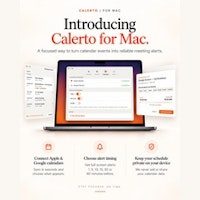
Calerto turns your calendar into alarms you simply can't sleep through. Instead of a notification you'll swipe away, you get full-screen meeting alerts that demand your attention. You can set custom prep time for each meeting, sync with Apple and Google Calendar, see a countdown in your menu bar, and have it launch automatically at login (you can turn that off anytime). Pause alarms without losing them. Pro mode auto-alarms your entire week. Your calendar data never leaves your device. Never be late again.
06

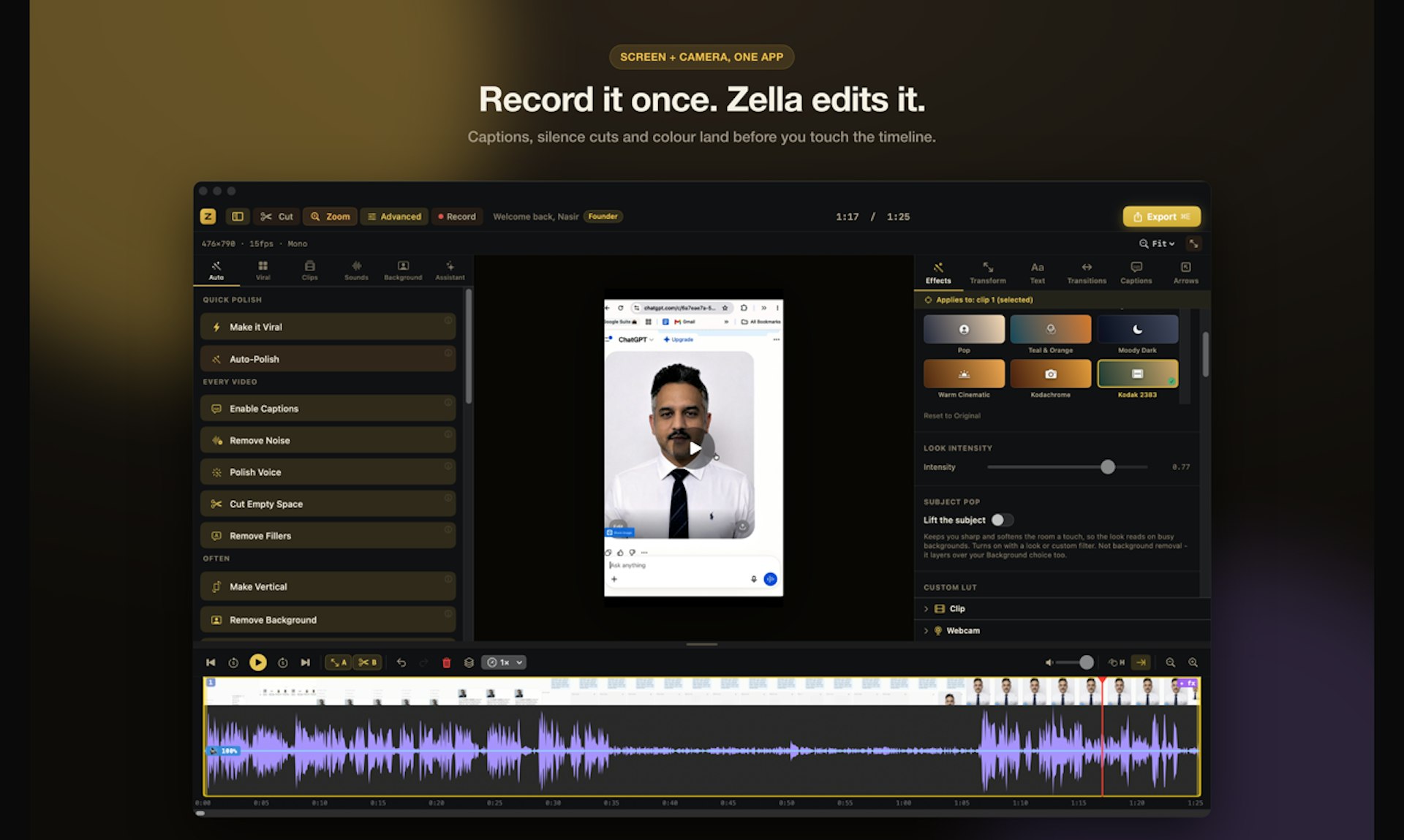
Zella records your screen or camera and edits the video for you, right on your own Mac or iPhone. Nothing uploads, there is no account, and no subscription. It is free at 1080p with no watermark. One tap runs Auto-Polish, which adds captions, cuts silences, removes filler words, zooms in, and cleans up the voice. Make it Viral adds pacing, transitions, sound effects, and a music bed. Pro is a single payment of $89 that unlocks Mac and iPhone together, for life, instead of a monthly bill.
07
PeekPaste is a native clipboard manager for Mac designed to be invisible until you need it. Simply push your cursor to the edge of the screen, and your clipboard history slides out. Search through text, code, links, images, colors, and files, with on-device OCR that lets you find text inside screenshots. Pin important clips, organize them into collections, or open the full Library for advanced management. Everything stays on your Mac, so there are no accounts, no analytics, no telemetry, and no cloud clipboard service. Your data is yours alone.