
Best Productivity products of the week August 31, 2026
Explore the most innovative and popular productivity products that captured the community's attention during week. These rankings help builders compare standout launches, understand what each product does, and discover practical tools shaping the future of technology.
Period
Weekly ranking
Published for
August 31, 2026
Selection
10 ranked products
Ranked list
Community-backed productivity picks
Each product profile includes the launch story, visual preview, and direct product link so readers can move from discovery to evaluation quickly.
01
For 30 years, websites dictated how you interact with them. Now you're in charge. With the Sider Chrome extension, you can tell Sider Code exactly how a site you use should behave. It analyzes the page, writes the necessary code, and applies the change instantly. You can save your customizations and control when they're active. Take back control of your browsing experience.
02

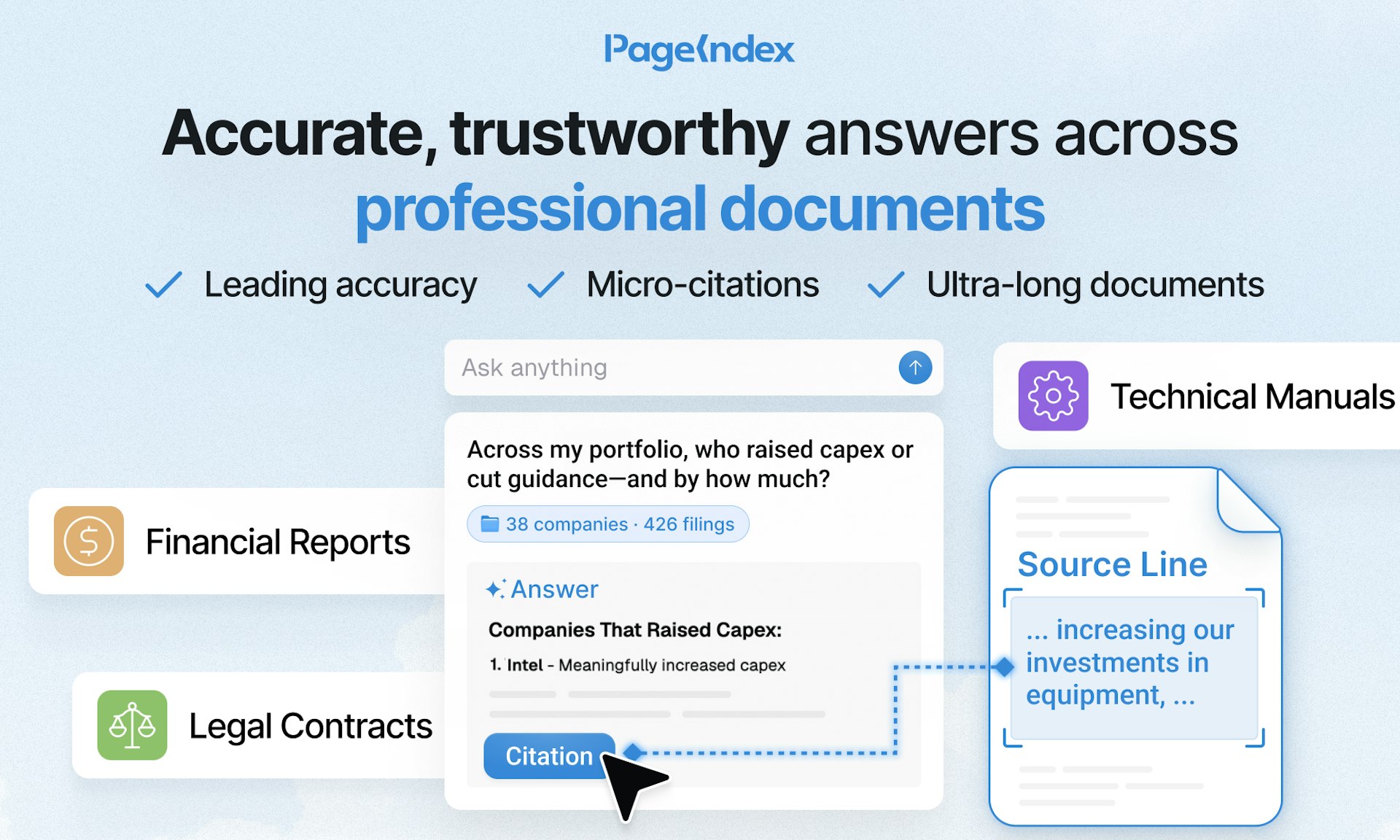
PageIndex gives you accurate answers across the long, professional documents your work depends on. Simply bring in your full document set, ask your most challenging question, and click any citation to jump directly to the exact highlighted source line, so you can verify the information in seconds. No more hunting through pages or second-guessing the results.
03

Caddi transforms narrated screenshares into production-ready agents that handle back-office tasks across your actual tools. Demonstrate the task once, and Caddi learns the workflow, builds the automation, and lets you tweak it using plain English. Unlike traditional RPA or workflow builders that demand extensive scoping, developer involvement, and step-by-step setup, Caddi merges AI reasoning with deterministic execution, ensuring every run is logged and every permission is scoped. This means you get reliable automation without the heavy lift.
04

Aramb is an operating system for AI agents. You can hire ready-made agents or build your own with one line of code: npm install @aramb-ai/sdk. From there, you can launch and monetize in about 20 minutes. It gives you one API that covers runtime, memory, browser, tools, models, and billing, so you don't have to stitch together separate services.
05

Almanac is an AI agent that learns how your company works. Connect your accounts in one click, and it builds a self-updating brain from your team's work. It lives in Slack and iMessage, so it can actually get tasks done where you already communicate. Because Almanac has its own computer, it keeps working even after you close your laptop.
06

Hyperfocus is a free, goals-first planner for macOS that helps you zero in on the few outcomes that truly matter. Plan your weeks and days around those goals, then build momentum through consistent, focused work. Its minimalist interface keeps you on track without distractions, so you can turn your priorities into real progress.
07
SpacebarX is a keyboard-first, local-first outliner for notes, tasks, writing, markdown, code, and projects. Capture and organize from the keyboard, add dates inline, and let Today collect what needs attention. Search across your workspace while keeping every note in context. It works offline and syncs through a cloud folder you control. Free forever. Pro adds visual views, saved searches, encrypted documents, version restore, Calendar, uploads, and BYOK AI.
08

Murfy is a team of AI agents that covers the entire research writing workflow. It helps you write and review your paper in context, fixes LaTeX compile errors as they happen, verifies that your reference papers are correct, and can generate Beamer slides in just minutes. You can collaborate with unlimited teammates in real time, and it's free to get started.
09
Most meeting notes apps demand your recording, your account, and your credit card. Ulpaso doesn't. Just press record, and it captures both your microphone and system audio, transcribes them right on your Mac, and saves everything as an editable Markdown file. No cloud upload, no login required, and no monthly subscription for a basic checklist. It's just you, your Mac, and your notes.
10

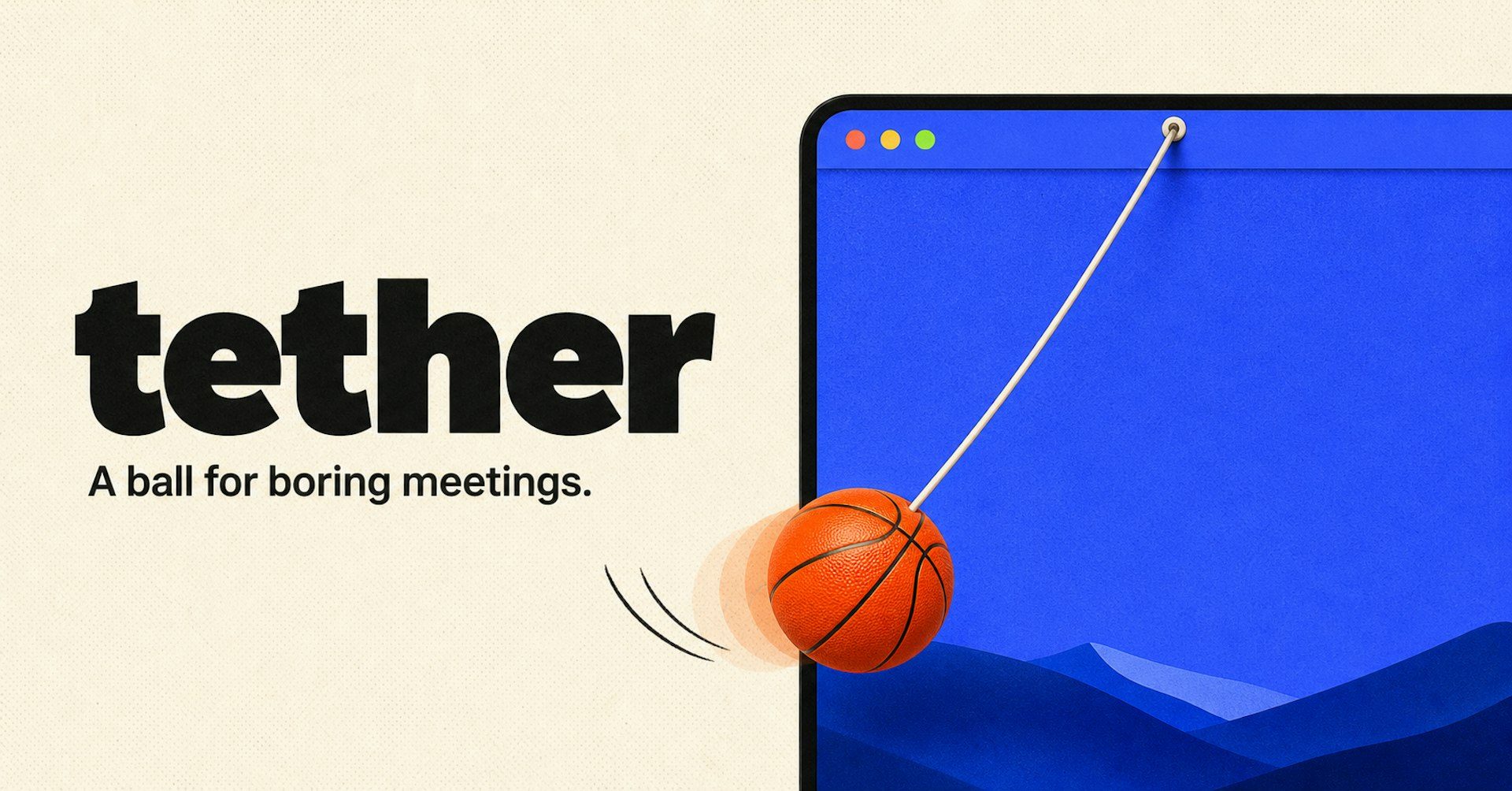
Turn your Mac into a tiny playground with a ball that hangs from the menu bar on a realistic elastic tether. Drag it, fling it, or slingshot it across your screen. It bounces off actual app windows, rolls along their edges, and settles into the Dock. Cut the rope and it goes loose across the desktop with real physics, so no two interactions are ever the same. Press one key to hide it the instant someone walks by. No account, no subscription, and nothing ever leaves your Mac.