
Best Productivity products of the week September 14, 2026
Explore the most innovative and popular productivity products that captured the community's attention during week. These rankings help builders compare standout launches, understand what each product does, and discover practical tools shaping the future of technology.
Period
Weekly ranking
Published for
September 14, 2026
Selection
10 ranked products
Ranked list
Community-backed productivity picks
Each product profile includes the launch story, visual preview, and direct product link so readers can move from discovery to evaluation quickly.
01
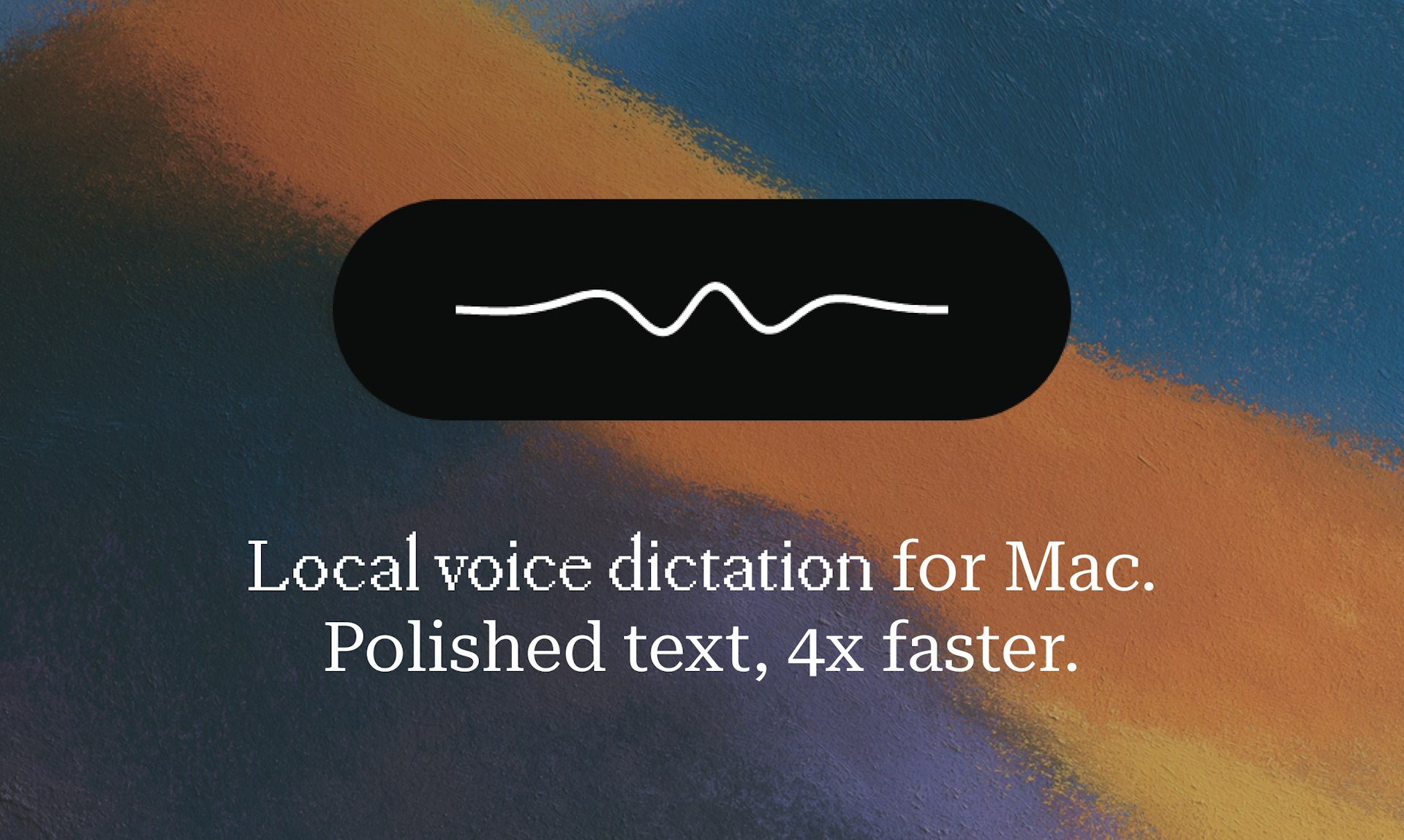
Hold a key, speak, release, and polished text lands in any app on your Mac. Epilude transcribes, punctuates, cleans up, and matches your tone in about a second. It runs fully on-device, so your audio never leaves your Mac. This means you can dictate quickly and get clean, ready-to-use text without worrying about privacy or lag.
02
Knockin turns your bio into an AI business card people can chat with. Add your work, links, and content. It learns what you do and answers questions in your voice. Visitors can book time with you right away, even when you’re away. Knockin remembers who stopped by, so you know who to follow up with. This cuts down on back and forth and gives both sides more context before a call.
03

Thousand is a documentation platform that brings real access control to git-backed docs. You get a single markdown repository where you can set folder-level permissions. That means teammates, outside collaborators, and even AI agents each see exactly the folders they're supposed to see, nothing more. It's like having the power of git for versioning and collaboration, but with the security you need to share docs selectively. No more copying documents to different places or worrying about someone seeing something they shouldn't. Everything stays in one place, but everyone sees their own view. It's simple, secure, and built for modern teams that need both flexibility and control.
04

Your thoughts shouldn't have to slow down for a keyboard. With Loqua, you can speak naturally to turn rough ideas into ready-to-use writing, understand what's on your screen, listen when you'd rather not read, and move work forward by voice. It handles rewriting, translation, scheduling, and coding workflows, so you spend less time typing and less time switching context. That leaves more time for the work that actually needs your attention.
05

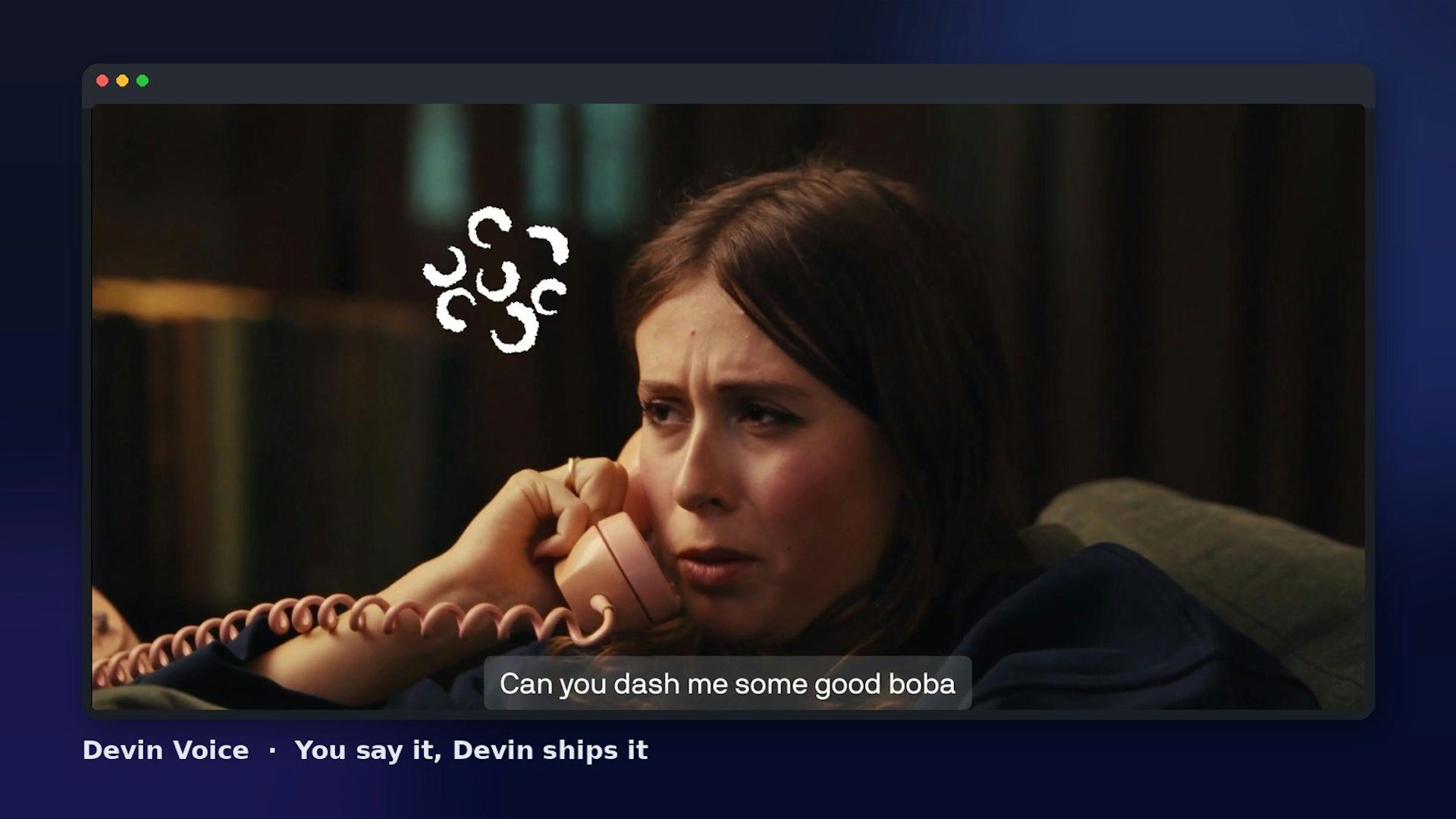
Devin Voice lets you talk to Devin, Cognition's AI software engineer, and have it ship the work. You can speak a task out loud, and Devin plans, codes, and delivers, so you stay in your flow. It's powered by GPT-Live for natural conversation, with Cognition's new SWE-2 coding model under the hood. Try Devin at https://devin.ai.
06
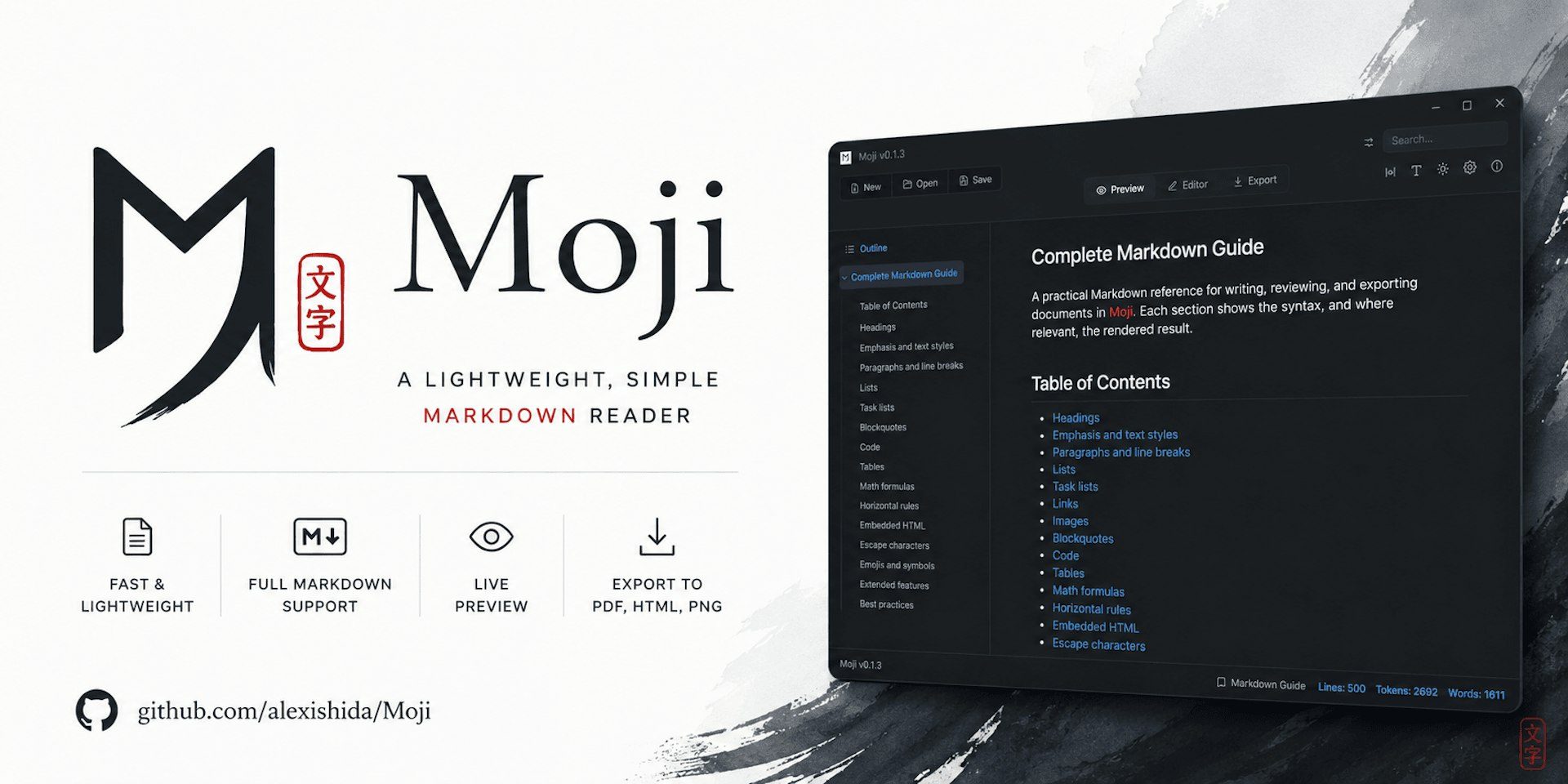
Moji opens Markdown like a document, giving you a fast, clean, and distraction-free reading and editing experience. It's a lightweight reader and editor for Windows, macOS, and Linux, with live preview, Mermaid diagrams, and export to PDF, HTML, and PNG. Whether you're jotting notes or preparing a polished document, Moji keeps Markdown simple.
07

ChatHop lets you move an AI conversation to another assistant mid-thought, with the full context included. You can copy the whole chat as plain text or Markdown, then pick up exactly where you left off in a different tool. It starts with 20 free uses every month, so you can try the workflow without committing.
08

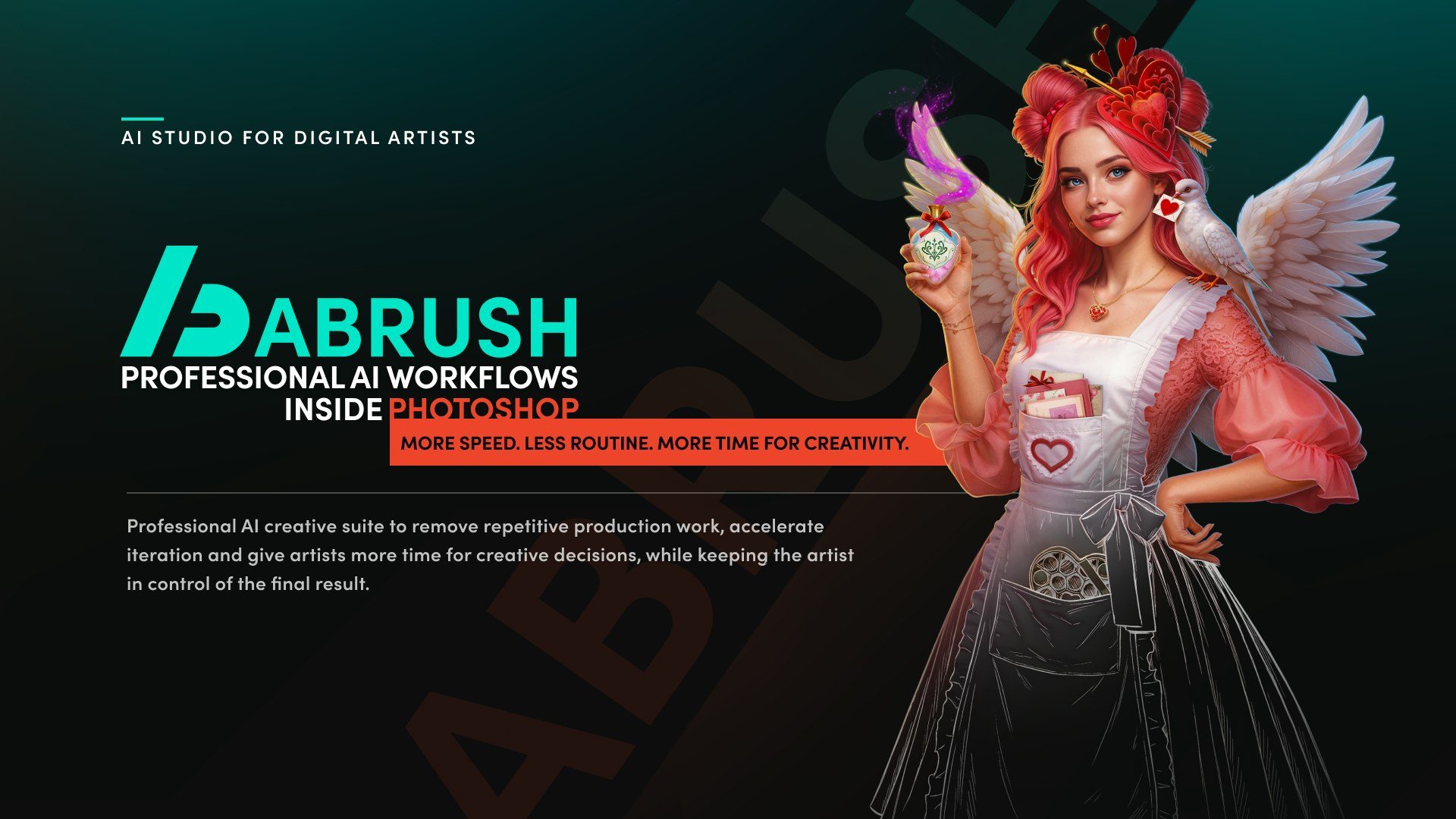
ABrush brings the latest AI models and production-ready advanced workflows right into the tools where artists already work. We use AI to take over repetitive production tasks, speed up iteration, and free up more time for creative decisions. The artist stays in full control of the final result. AI accelerates the process and cuts the cost of routine work. Created by artists, for artists, so it actually fits the way you create.
09
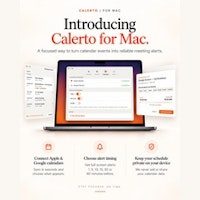
Calerto turns your calendar into alarms you simply can't sleep through. Instead of a notification you'll swipe away, you get full-screen meeting alerts that demand your attention. You can set custom prep time for each meeting, sync with Apple and Google Calendar, see a countdown in your menu bar, and have it launch automatically at login (you can turn that off anytime). Pause alarms without losing them. Pro mode auto-alarms your entire week. Your calendar data never leaves your device. Never be late again.
10

Stackness is where developers and vibe coders show off the tools, workflows, and approaches they build with. You can create a stack profile that you share as a single link, post your moves, follow people whose taste you trust, and watch tools rise and fall in popularity. It's free and comes with an MCP server for deeper integration. Join the community to discover new tools and see what others are using.