
Best Design Tools products of the month September 2026
Explore the most innovative and popular design tools products that captured the community's attention during month. These rankings help builders compare standout launches, understand what each product does, and discover practical tools shaping the future of technology.
Period
Monthly ranking
Published for
September 2026
Selection
10 ranked products
Ranked list
Community-backed design tools picks
Each product profile includes the launch story, visual preview, and direct product link so readers can move from discovery to evaluation quickly.
01

A crew of specialized AI agents coordinates on your brief and ships production-quality design. It handles research, creative direction, wireframes, and production-ready HTML with a design system. You can watch the agents discuss decisions while it runs. It is free in alpha. Bring your own OpenRouter key and run the crew on whichever models you like.
02
Gemini Omni 1.1 Flash gives developers a new set of creative controls and generative video capabilities. You can build more expressive and dynamic projects with tools that make it easier to shape video output and fine-tune results. It's a practical option for developers who want to add powerful generative media features without a lot of extra complexity.
03

Ravioli is a small but powerful design tool for making custom postage-stamp shapes. You pick a shape, then tweak the stamp size, the perforation holes, and the roundness of the edges. When you're happy, export it as a transparent PNG or a scalable SVG. Perfect for adding a unique touch to your designs or creating custom stickers.
04

Ask My Wardrobe is an AI-powered outfit generator and planner that simplifies getting dressed, planning stylish looks, and shopping with confidence. It uses the clothes you already own to suggest new combinations, helps you plan outfits days or weeks in advance, and lets you virtually try on clothes before you buy, so you don't waste money on pieces you'll never wear. Save your favorite looks, share them with friends for instant feedback, and enjoy it all for free with no sign-up required.
05
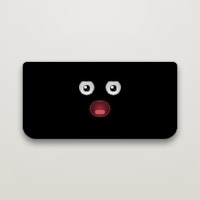
Notchling is a delightful little creature that lives right in your MacBook's notch. It keeps an eye on your cursor, nods off when you're idle, and reacts to your battery level. Drag a file toward it, and it'll open its mouth and carry the file for you. It's completely free, takes up less than a megabyte, and all processing stays on your Mac, so your data never leaves your device.
06
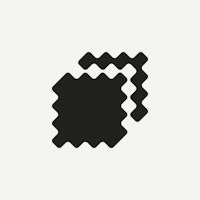
Stitch analyzes your artwork like an experienced digitizer, carefully planning stitch direction, density, and pull compensation for each area. In just 15 seconds, it generates everything you need: a machine file, a production sheet, stitch count, and a lifestyle mockup preview to show your client. This saves you hours of manual digitizing work and ensures professional quality every time.

08
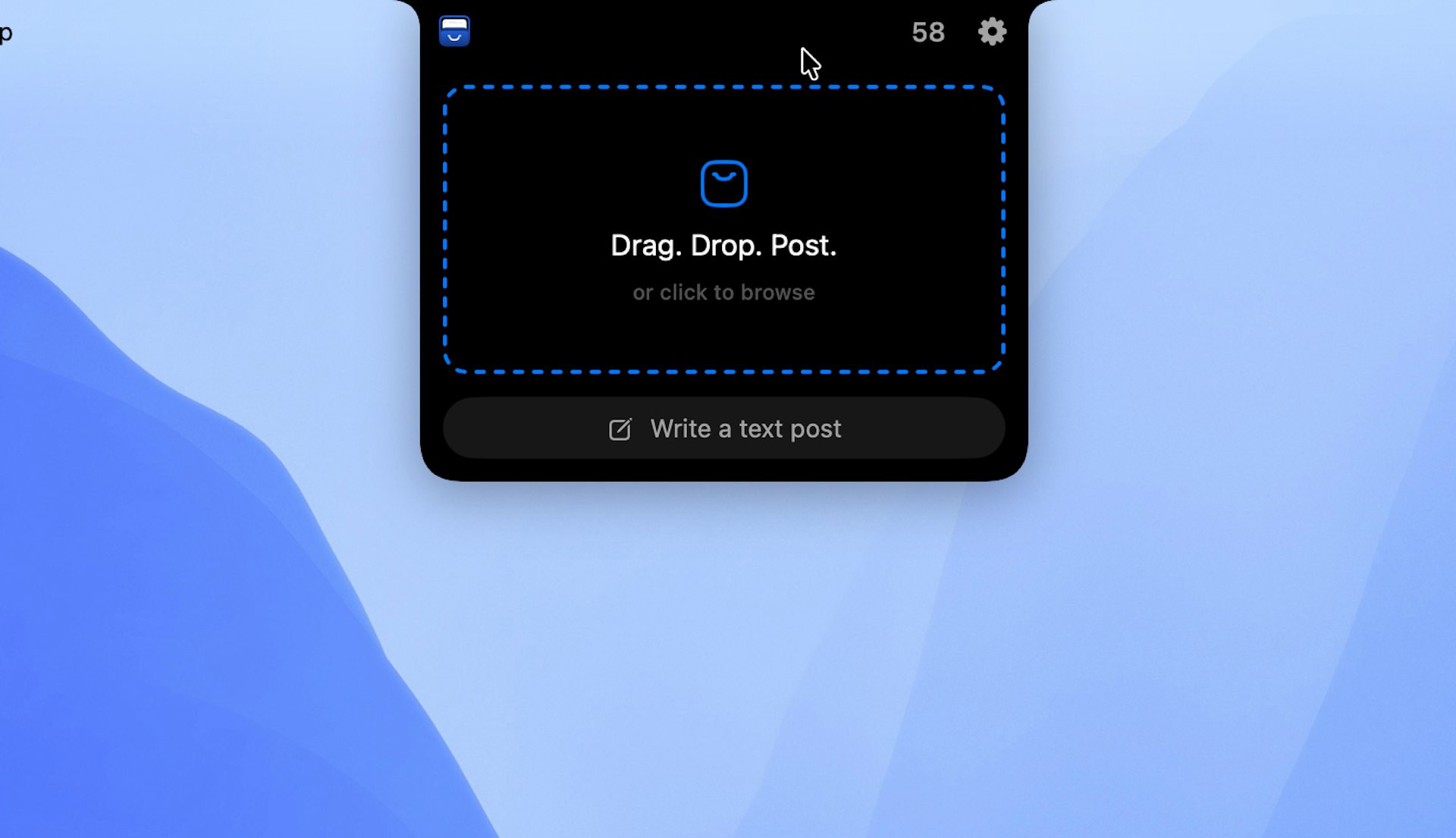
Bloop turns system audio or mic input into eight real-time shader skins. Every frame reacts to what's actually playing. Keep it beside your work in the resizable Mini Player or send it to the menu bar. Drop in an MP3 playlist and export the whole thing as a finished video. It runs on Apple Silicon, is notarized, and has no subscription. Two skins are free forever, and they're the full app, not a trial.
09

Most software gets designed twice: first as a picture, then again in code. That's where the intent gets lost. Modeinspect is an AI-powered design canvas that lets you work with the real thing from the start. Connect your codebase, open an existing screen, and design using your actual components, tokens, live data, states, and breakpoints. You can explore variations with AI, keep the details that matter, and when you're ready, publish your changes live or send them to engineering for review. You stay in control of when things go live. The canvas isn't the destination; the product is. Modeinspect bridges the gap between design and development, so what you see is truly what you get.
10

Sliick lets you turn screenshots and videos into beautiful 3D device mockups right in your browser. Pick a scene, customize shapes and colors, adjust the camera angle, and add motion to make it feel alive. You can export images or videos for free, with no account and no watermark. Your media stays on your device, so you keep full control. Made by Liinks.