
Best Mac products of the month August 2026
Explore the most innovative and popular mac products that captured the community's attention during month. These rankings help builders compare standout launches, understand what each product does, and discover practical tools shaping the future of technology.
Period
Monthly ranking
Published for
August 2026
Selection
8 ranked products
Ranked list
Community-backed mac picks
Each product profile includes the launch story, visual preview, and direct product link so readers can move from discovery to evaluation quickly.
01

Zapier and Shortcuts force you to think like a programmer, with blocks, flows, and conditions. Trama removes that layer. Press Cmd+Option+X, describe the task you repeat in your own words, and it runs in the background. The difference is simple: it understands your language, not just English; it reaches native Mac features like AppleScript, shell, OCR, and screen awareness; it notices what you repeat and suggests automations; if something breaks, the AI explains the error and fixes it in one tap; and you can bring your own key for Claude, GPT, Gemini, or Groq.
02

Documenting workflows manually is tedious and slow, but StepGrab automates the entire process. Just hit record and perform your task once; the app automatically captures every click, turns it into an annotated screenshot, and writes the step for you. It is a native Mac menu bar application that keeps your data local, meaning no accounts are required and nothing is uploaded to the cloud. You can export your guides as GIFs, PDFs, MP4s, or HTML, all customized to your brand colors. A generous free tier is available, and our Pro plan is incredibly affordable.
03
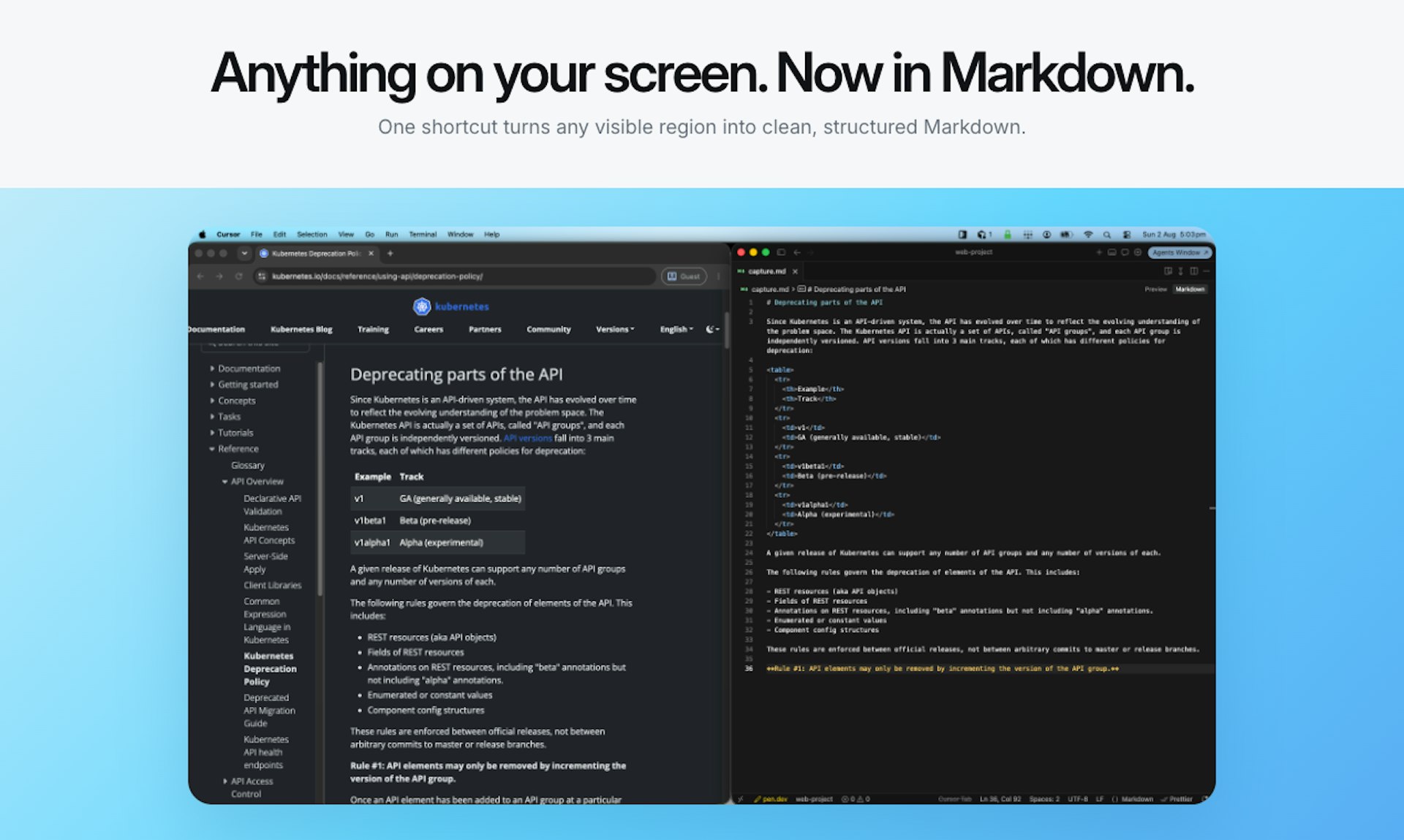
Snapdown makes it easy to capture parts of your Mac screen and convert them into structured Markdown. Unlike traditional OCR tools that flatten text, Snapdown preserves your headings, lists, and tables. You can use a simple shortcut to capture content and paste it anywhere, all while keeping your data stored locally on your Apple silicon device.
04

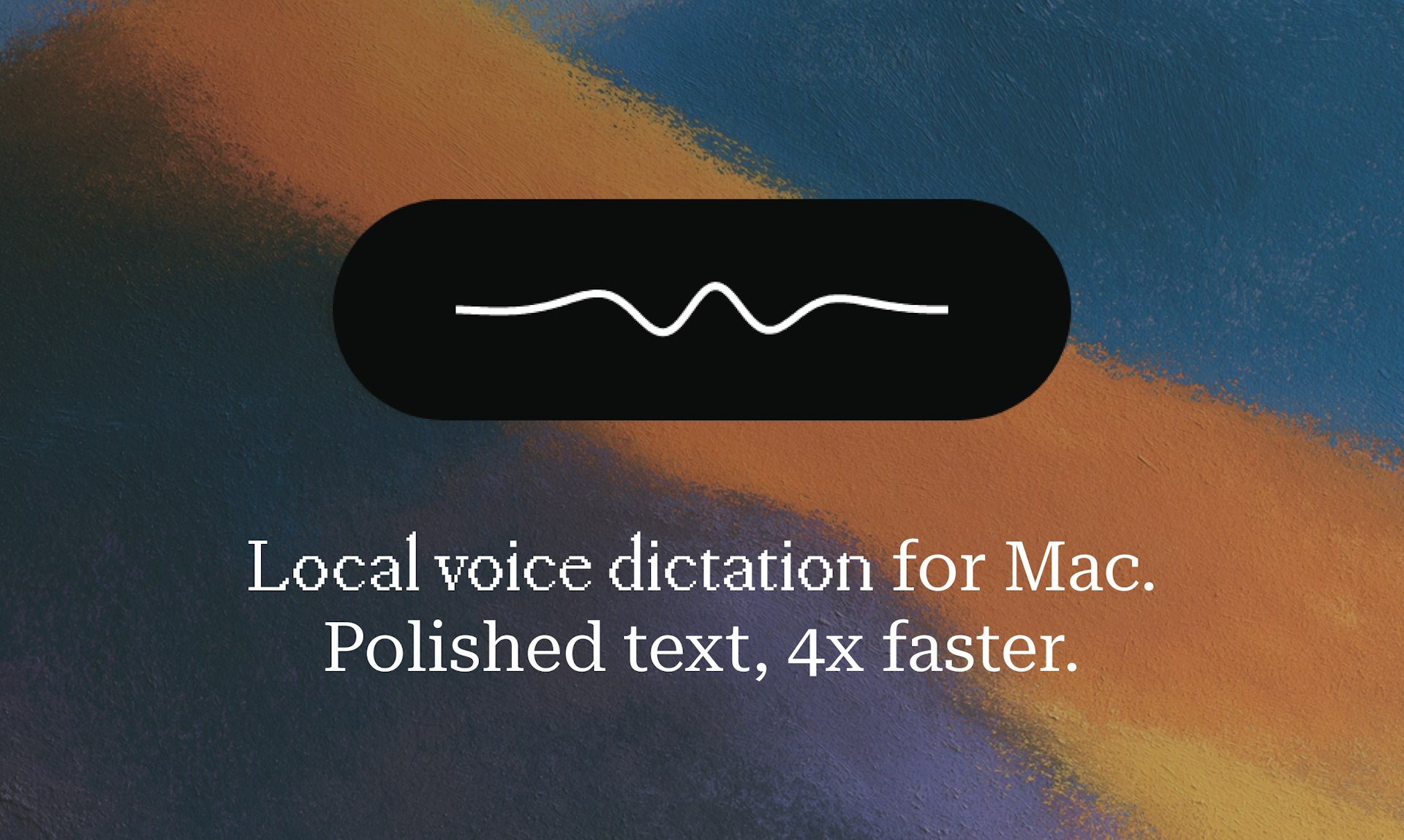
Epilude makes dictating text on your Mac faster and more accurate. Just hold a key, speak your thoughts, and release to see polished, punctuated text appear in any application. The app automatically cleans up your speech and matches your personal writing tone in about a second. Because it runs entirely on your device, your audio data never leaves your computer, ensuring total privacy.
05

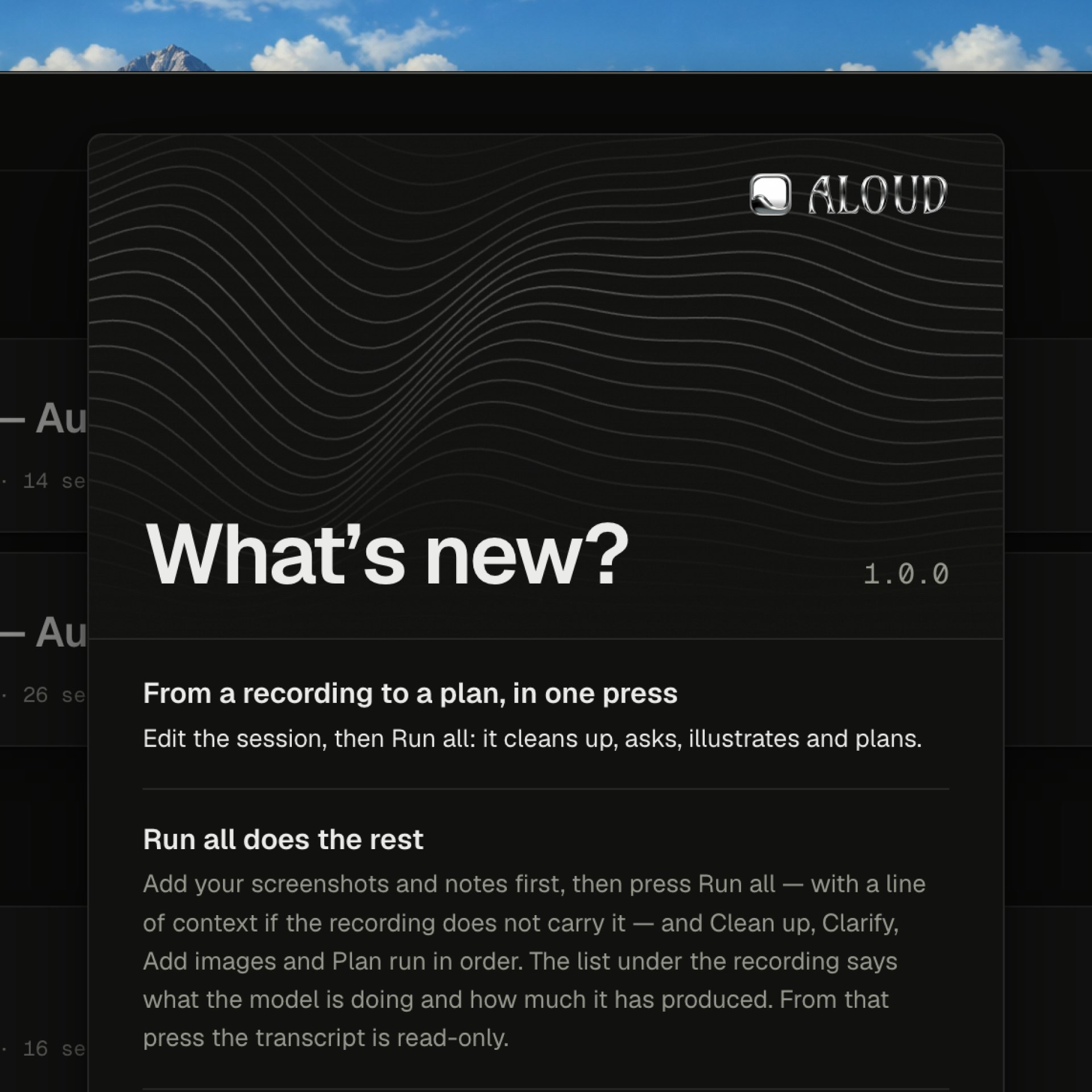
Feedback is easier said than written. Aloud captures your voice, your screen, and a live transcript simultaneously as you talk through your app, pointing at things and changing your mind. With one press, it rewrites the transcript into what you actually meant, asks clarifying questions about anything ambiguous, pulls the screenshots you referenced, and converts the session into actionable tasks for Claude Code, Cursor, or Codex. Whisper runs entirely on-device, so your audio and video never leave your Mac.
06

Attyn brings intelligence to the cursor inside the apps you already use. Rewrite selected text with Inline Assist, speak finished words with Realtime Dictation, ask about what is on screen with Screen Assist, and turn questions into visual explanations with Blackboard. Use Attyn Credits, bring a provider key, or run a supported local model. Attyn is bootstrapped and independent. Available for macOS today, with Windows on the way. Every new account starts with 500 launch credits. It's designed to seamlessly integrate into your workflow, making you more productive without needing to switch apps. Whether you're writing, coding, or brainstorming, Attyn is there to help, respecting your privacy and your choice of AI backend.
07
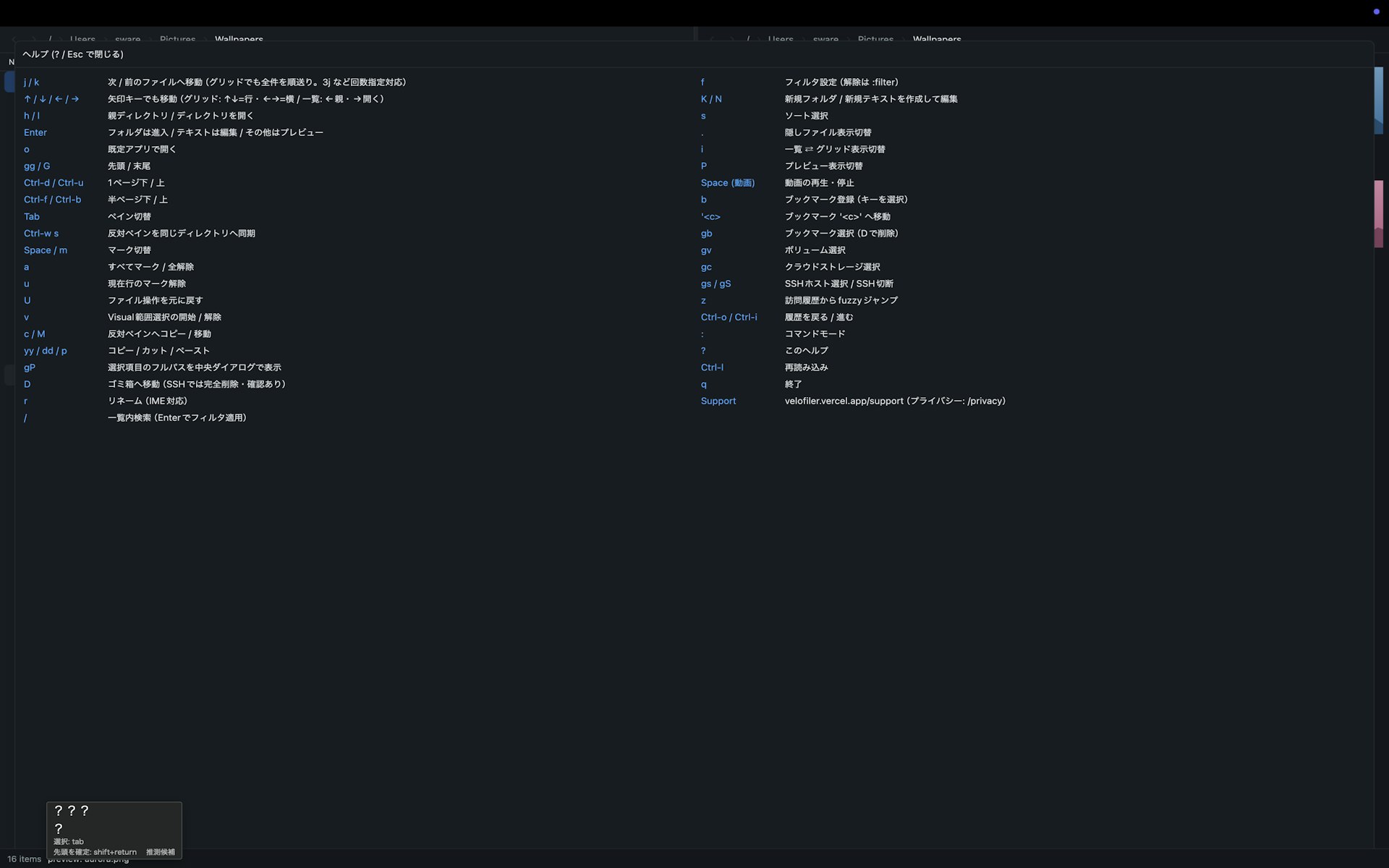
VeloFiler is a keyboard-first, dual-pane file manager for macOS, built in Rust on GPUI for instant startup and smooth performance. Use Vim-style keys to navigate, preview images, code, Markdown, PDFs, videos, and Office docs without ever opening another app. You can even manage remote servers over SSH/SFTP right alongside your local files. Stop clicking through folders, and fly through them instead.
08

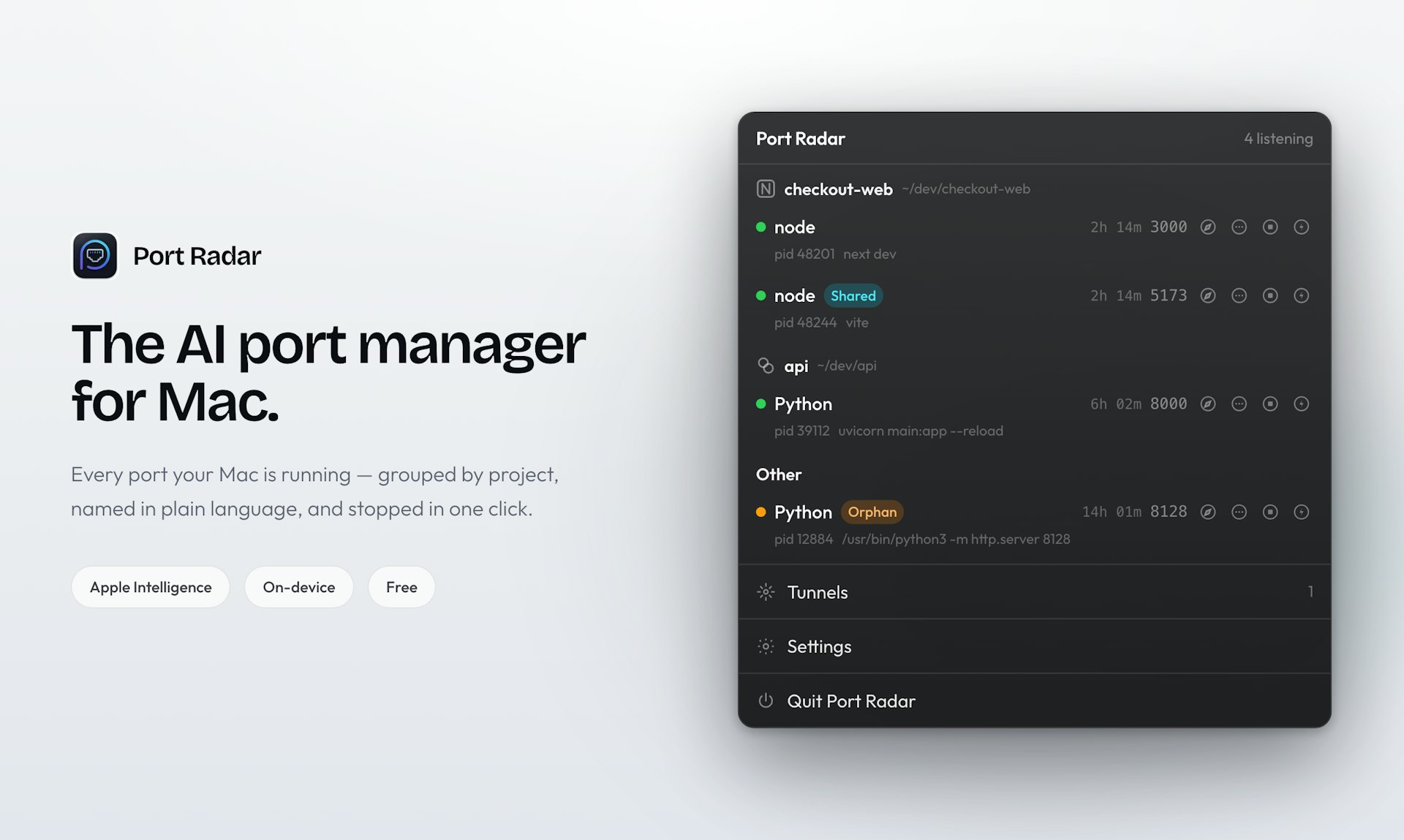
Port Radar is a native macOS menu bar app that shows you exactly what's using your ports, in plain English. See if Vite, Next.js, Docker, or some forgotten app is hogging resources, then stop it with one click. Apple Intelligence can answer "What is this? Is it safe to stop?" right on your device, so nothing leaves your Mac. You can also create Cloudflare tunnels with one click to share a local site as a live link. Take control of your ports without the confusion.