
Best Mac products of the month October 2026
Explore the most innovative and popular mac products that captured the community's attention during month. These rankings help builders compare standout launches, understand what each product does, and discover practical tools shaping the future of technology.
Period
Monthly ranking
Published for
October 2026
Selection
10 ranked products
Ranked list
Community-backed mac picks
Each product profile includes the launch story, visual preview, and direct product link so readers can move from discovery to evaluation quickly.
01


Your headphones become a focus switch. Put your AirPods in and your Mac turns on your Focus mode, blocks distracting sites and starts a timer in the notch. Take them out: break time, sites come back. Also in the notch: now playing, volume and brightness, your own colors, session history and two tiny buddies that react to everything. Free, private, macOS 14+ on Apple Silicon. Vibe-coded by one person and Claude.
02

start a focus timer by pulling a cat paw, it lives in your mac menu bar or you can pin it like a mini timer! it has adjustable focus and break sessions, eight cat paws, themes, and a quiet heads-up before your timer ends. made for macos 14+. $9.99 once, with no subscription.
03
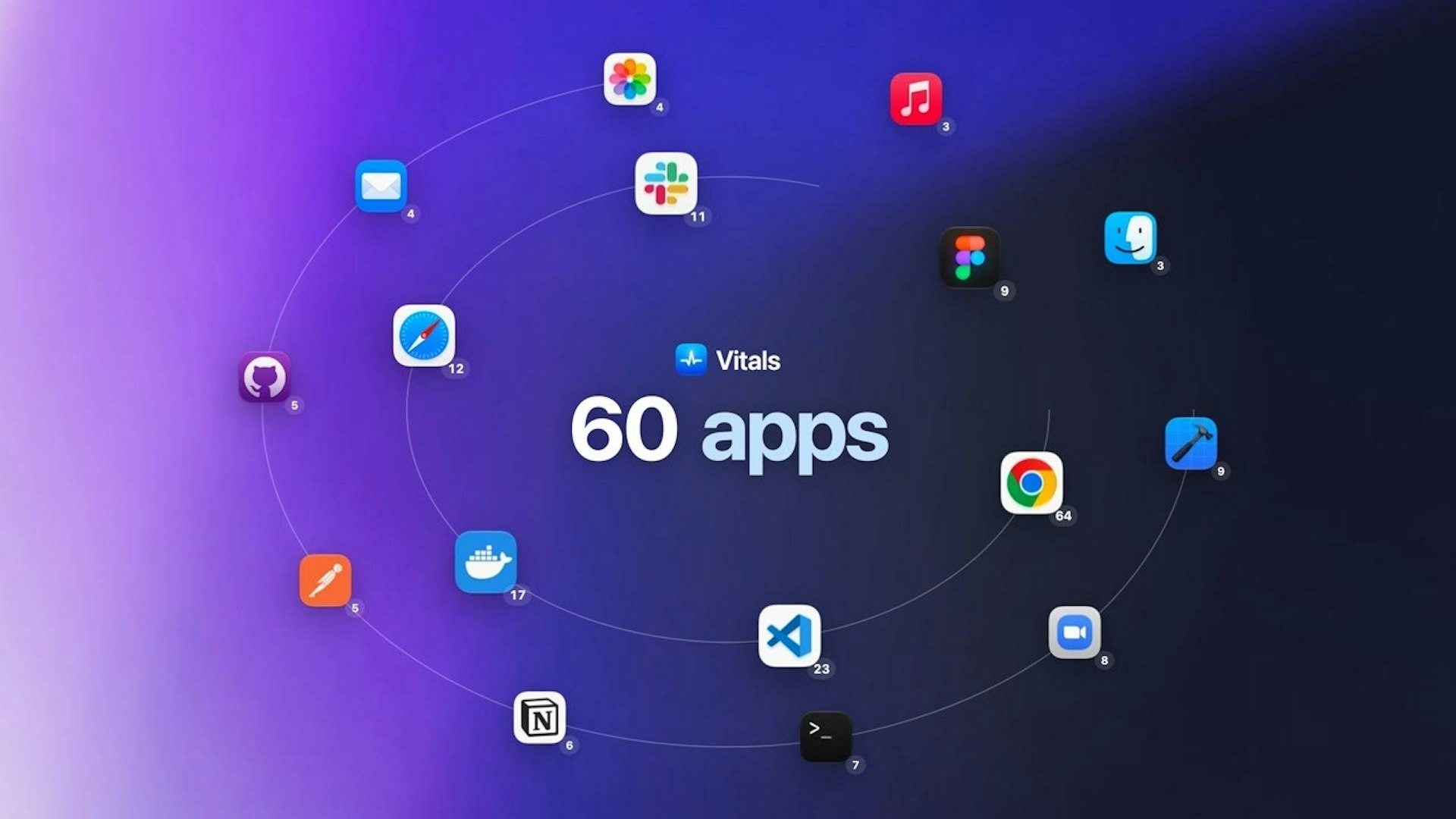
Activity Monitor lists a thousand processes, a hundred of them called Google Chrome Helper. Vitals adds every helper to the app that launched it, so you see 60 apps instead of 1,000 processes, each with one figure for memory, CPU, energy, disk and network. It keeps 30 days of history, alerts you when an app misbehaves, finds forgotten dev servers, and shows temperatures, fans and battery. Every readout can sit in your menu bar, arranged your way. Pay once. No subscription, no account.
04

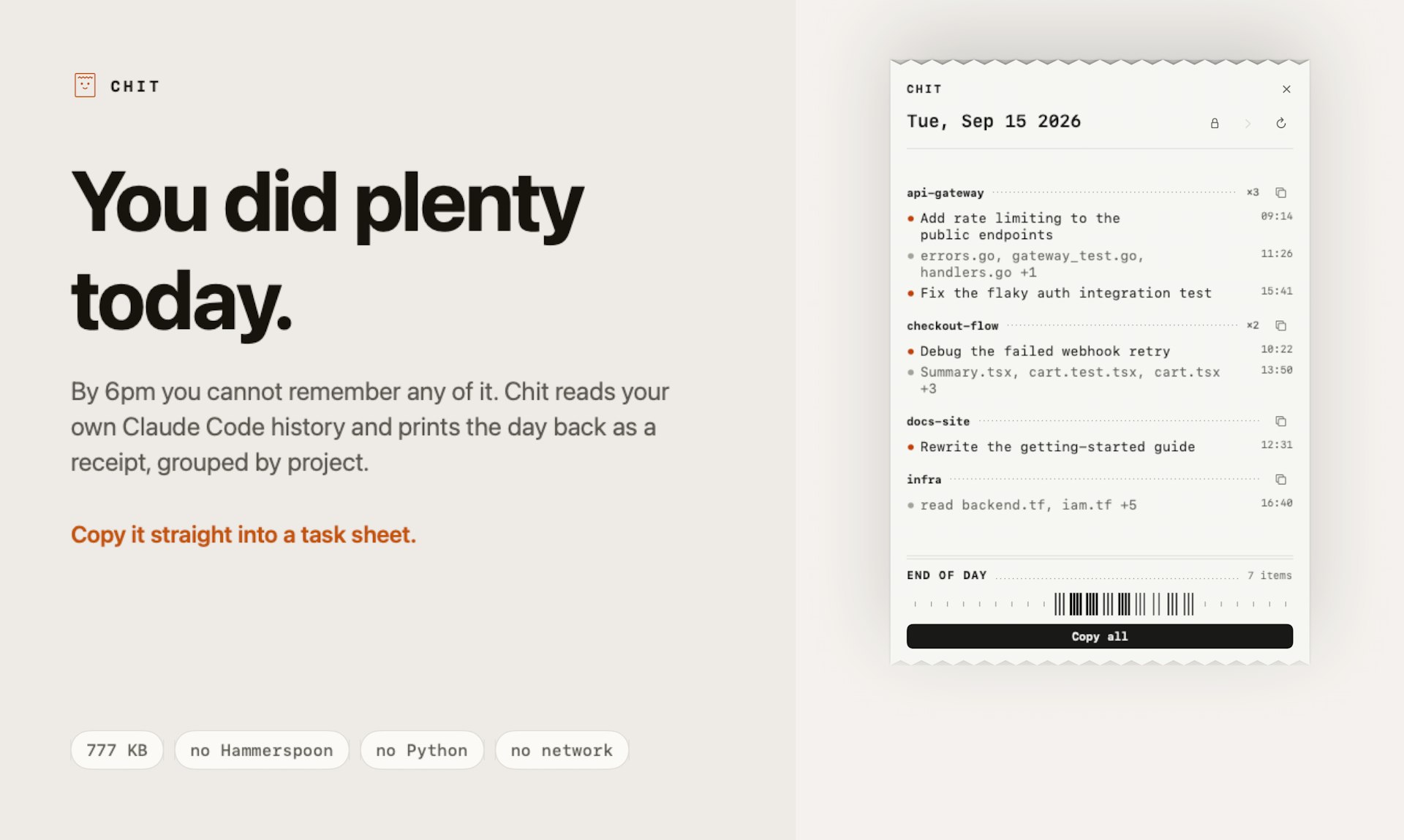
Chit reads the Claude Code transcripts that are already on your disk and prints your day back as a receipt. It groups everything by project, so you can paste a clean summary into your standup in seconds. The whole app is a 777 KB Mac app. There is no Hammerspoon, no Python, no account, and no network code in the binary at all. Your transcripts stay local, and Chit just makes them useful.
05

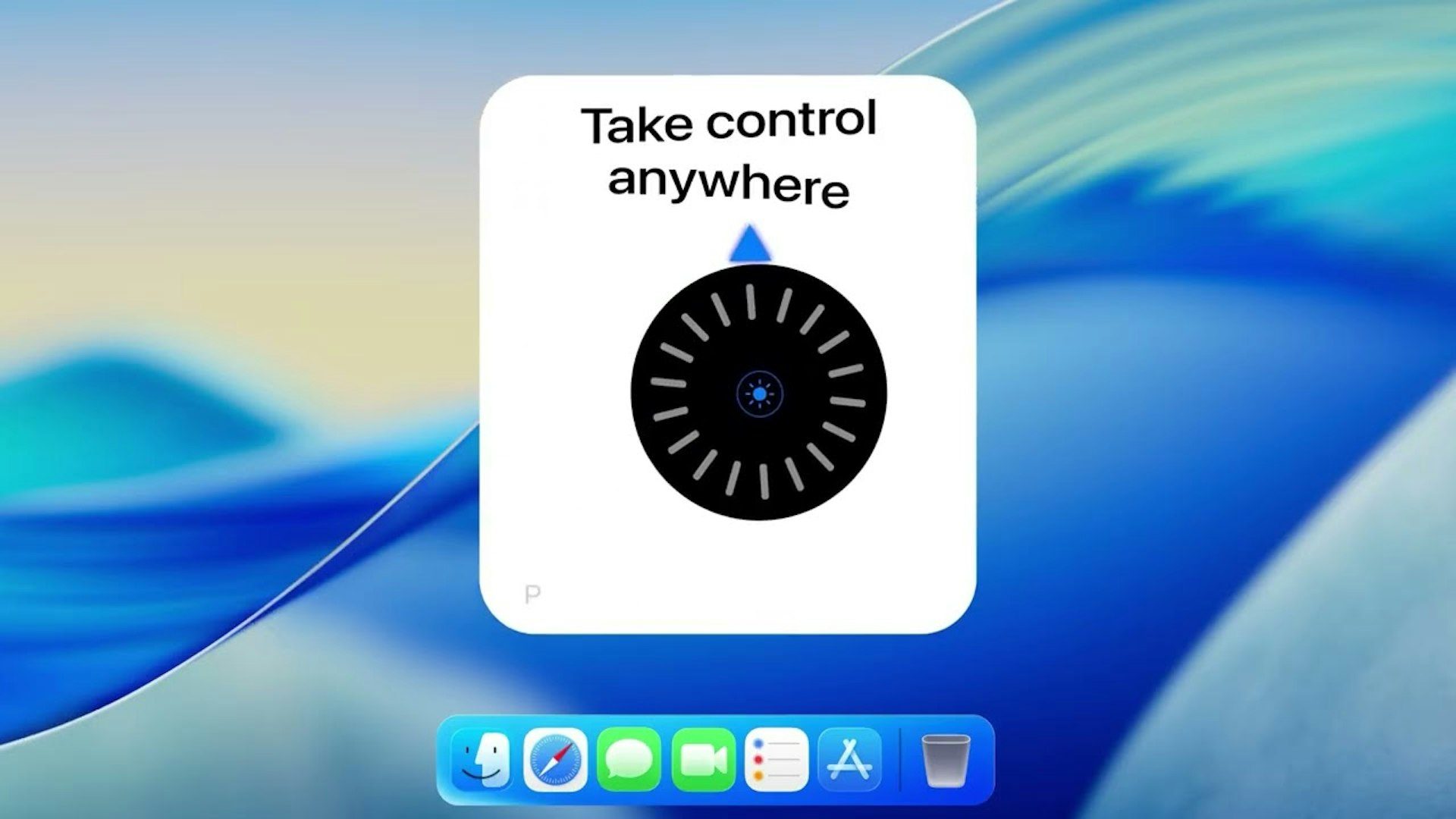
Stash gives your Mac hidden controls that feel like they’ve always belonged there. Beautiful, native-feeling and ridiculously satisfying to use - adjust system controls with tactile sliders and dials, manage windows, and keep your favourite apps within reach through a hidden expandable dock and app launcher. Stash Deck extends the experience to your iPhone, turning it into a tactile remote for your Mac with quick controls, app launching and configurable widgets.
06
That notch at the top of your MacBook does nothing, until now. Notchware turns it into a live island that shows Now Playing with artwork and playback controls, plus battery, volume, brightness, Focus, and Wi-Fi status right where you look. Notchware Pro, a one-time $3.99 purchase, adds Codex, Claude Code, and Cursor alerts so you know the moment an agent needs approval or finishes, without watching the terminal. It is built with native SwiftUI and has no account, no analytics, and no cloud. Requires macOS 14.6 or later.
07
FeelMyMac brings haptic textures to cursor movement and scrolling on Mac trackpads. Instead of feeling feedback only when you click, you can actually feel simulated surfaces as you move your cursor, with different materials and textures to choose from. You can enable haptics separately for cursor movement, adjust the intensity, and add optional sound effects. FeelMyMac also includes keyboard sounds for an extra layer of feedback. How does it work? Easy: it uses the Taptic Engine, just like an iPhone.
08
NotchDodo turns the notch on your Mac into a useful part of your everyday workflow. It comes with 14 built-in tools that give you quick access to handy utilities without interrupting what you are doing. The app is lightweight, simple, and made specifically for Macs with a notch. Instead of working around the notch, you can make it useful. 14 tools. One notch. A more useful Mac.
09

Aktar is a free, open-source app that lets you share files instantly through your own S3-compatible storage. Drop a file and Aktar uploads it to S3, Cloudflare R2, Backblaze B2, MinIO, or similar storage, then copies the shareable link to your clipboard. It works with any file: screenshots, logs, builds, videos. There are no accounts and no intermediary servers, so your files stay in your own storage. Aktar is available on Mac, Windows, and iOS, with Android coming soon.
10

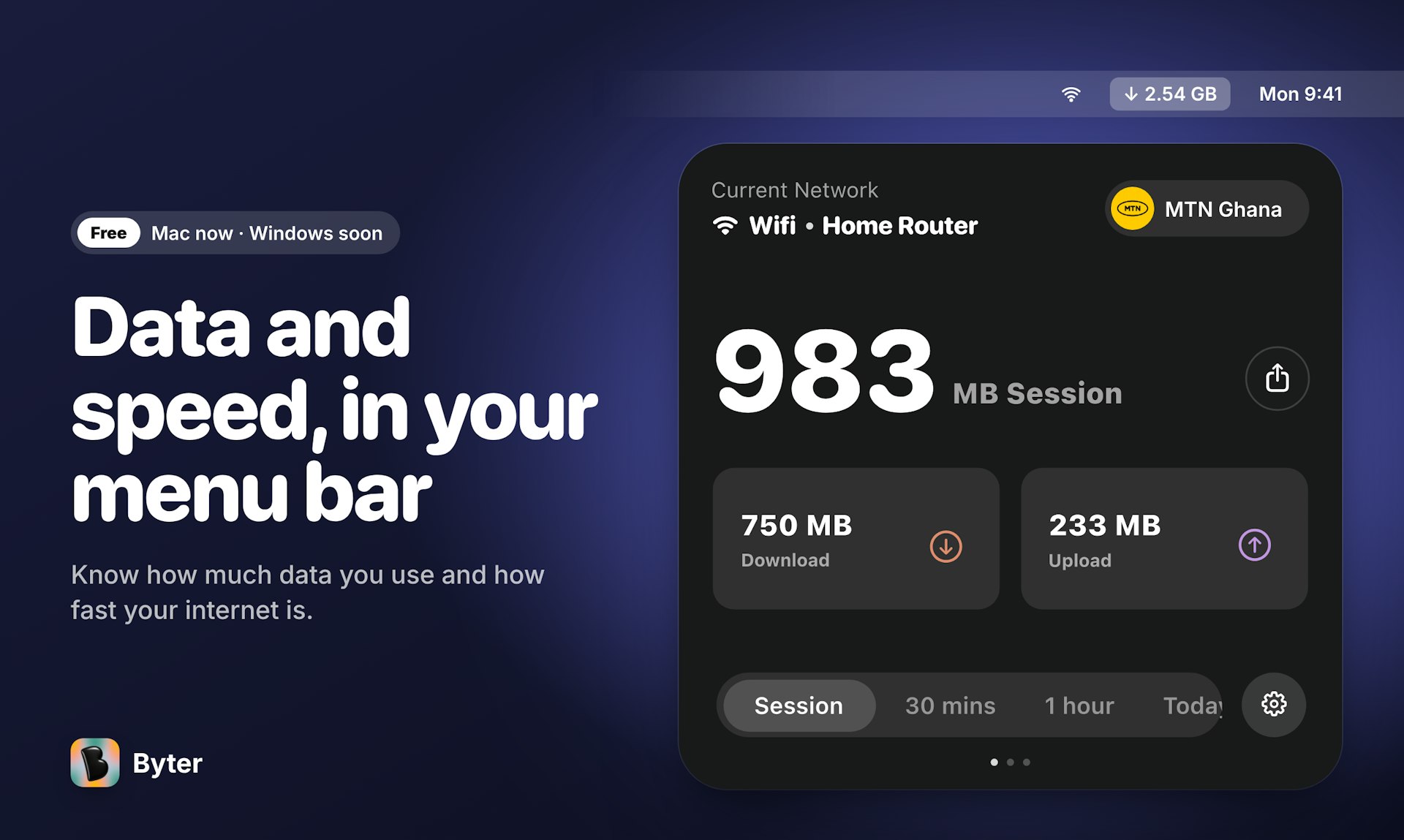
Byter shows how much internet data you use and where it goes. It tracks usage separately for every Wi-Fi network, phone hotspot, and wired connection, so you always know exactly what your hotspot bundle went on. You also get live speed readings, a one-click speed test, charts that range from daily to yearly, and gentle alerts when your usage spikes. Everything stays on your device, with no account and no ads. It is available now for Mac, Windows is coming soon, and the app works in 11 languages.