
Best Mac products of the month September 2026
Explore the most innovative and popular mac products that captured the community's attention during month. These rankings help builders compare standout launches, understand what each product does, and discover practical tools shaping the future of technology.
Period
Monthly ranking
Published for
September 2026
Selection
10 ranked products
Ranked list
Community-backed mac picks
Each product profile includes the launch story, visual preview, and direct product link so readers can move from discovery to evaluation quickly.
01
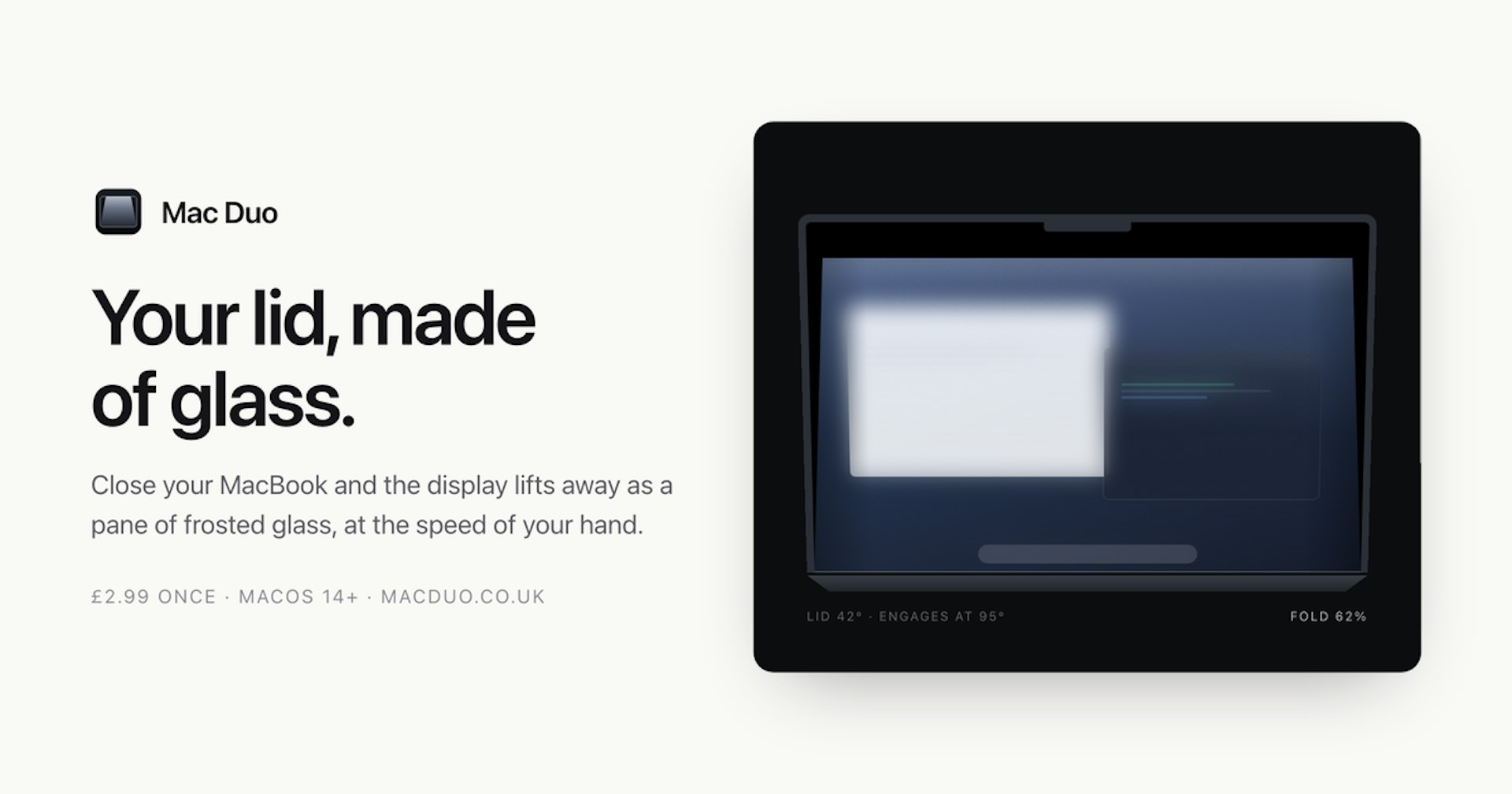
mac-duo is a macOS utility that transforms your display into a frosted glass effect when you close your Mac's lid. It uses the built-in hinge sensor to detect the lid position, so the effect responds instantly to your movements. Whether you're closing the lid briefly or for a moment, mac-duo adds a sleek, polished touch to your Mac experience.
02


KiwiDesk is a tiling window manager for macOS that keeps your Mac calm and organized. Every window finds its place in one of seven layouts, apps open with a shortcut, and mouse users get a Space Bar they can drag windows onto. It works with your native macOS Desktops. You can bind a profile to each desktop and it loads the moment you swipe there, bringing its own spaces, layouts, colors, and shortcuts. Everything is set in a native Settings app, so you don't need a config file. It's free to use, and the source is on GitHub.
03

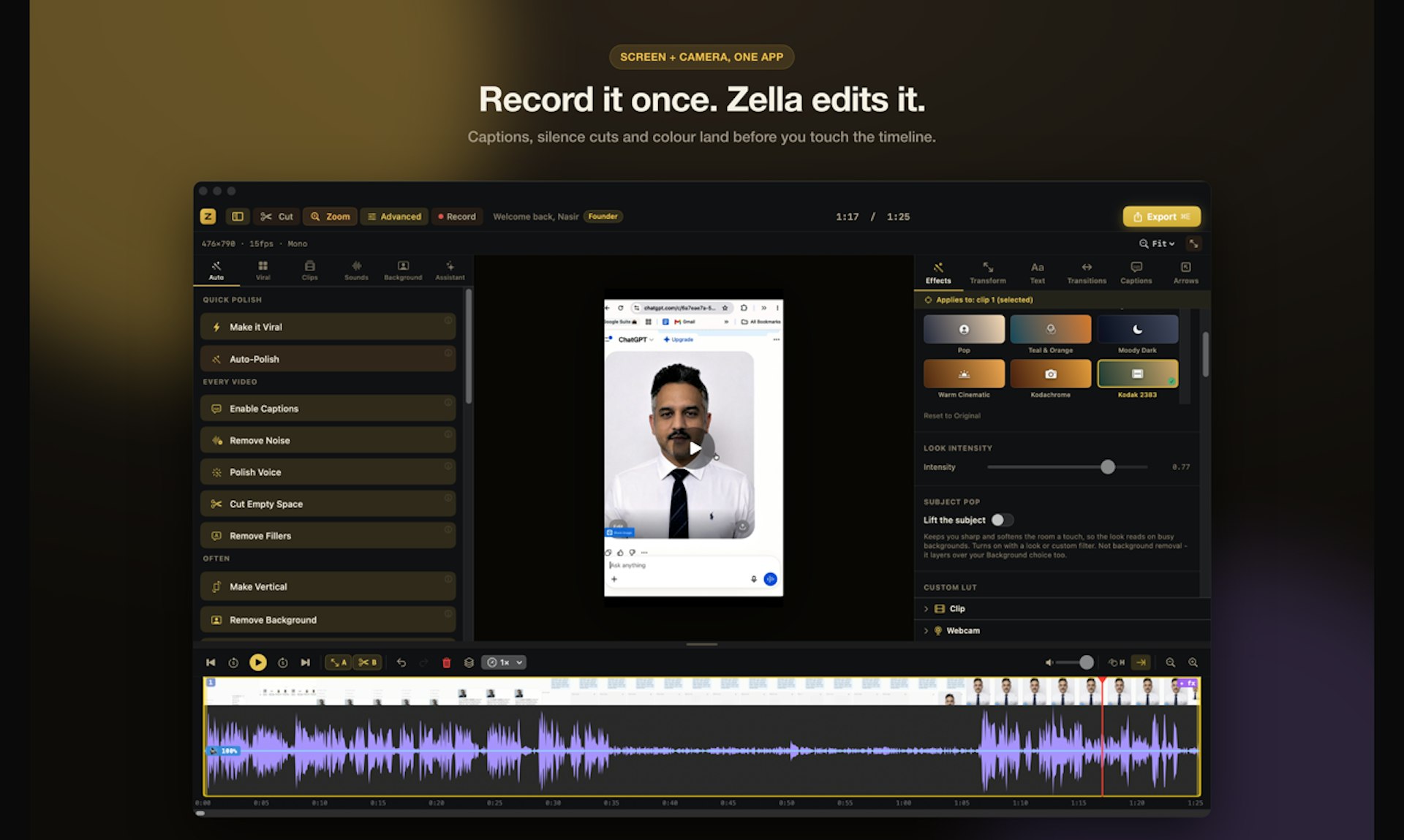
Zella records your screen or camera and edits the video for you, right on your own Mac or iPhone. Nothing uploads, there is no account, and no subscription. It is free at 1080p with no watermark. One tap runs Auto-Polish, which adds captions, cuts silences, removes filler words, zooms in, and cleans up the voice. Make it Viral adds pacing, transitions, sound effects, and a music bed. Pro is a single payment of $89 that unlocks Mac and iPhone together, for life, instead of a monthly bill.
04
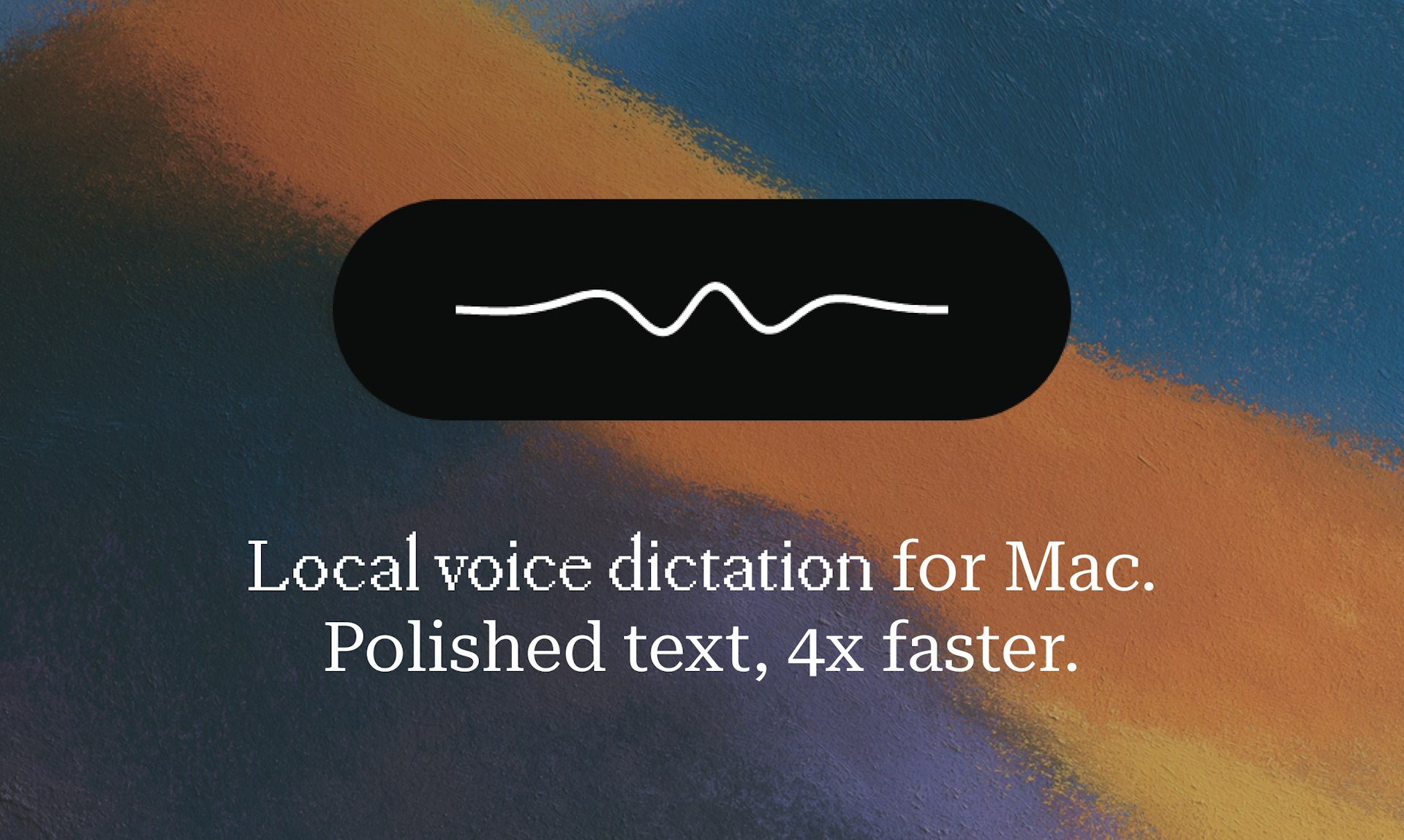
Hold a key, speak, release, and polished text lands in any app on your Mac. Epilude transcribes, punctuates, cleans up, and matches your tone in about a second. It runs fully on-device, so your audio never leaves your Mac. This means you can dictate quickly and get clean, ready-to-use text without worrying about privacy or lag.
05
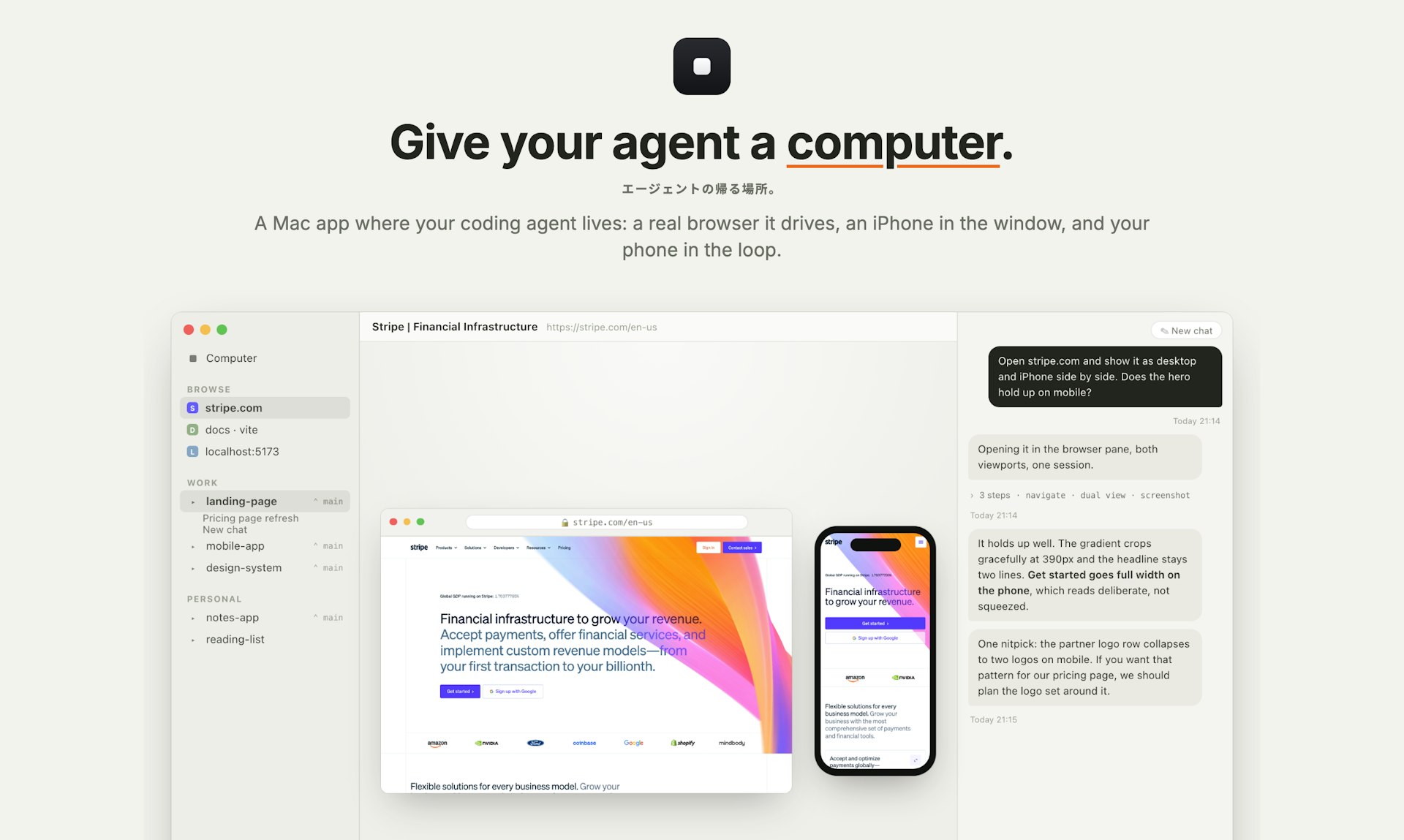
Superagent gives your coding agent a proper home, so working with it feels like using a polished Mac app instead of a terminal. It hands your agent a full computer: a real browser it can drive using your logged-in sessions, an iOS Simulator it can tap and swipe, access to your files, a board it maintains, and routines on a timer. Chats live in a sidebar you can organize into groups, they survive restarts, and they don't steal your focus. Each agent runs on its own git worktree, so you can switch contexts easily. Pair your iPhone and the work follows you, with end-to-end encryption. No account, no server, no extra bill. It's open source.
06


Turn your Mac into a tiny playground with a ball that hangs from the menu bar on a realistic elastic tether. Drag it, fling it, or slingshot it across your screen. It bounces off actual app windows, rolls along their edges, and settles into the Dock. Cut the rope and it goes loose across the desktop with real physics, so no two interactions are ever the same. Press one key to hide it the instant someone walks by. No account, no subscription, and nothing ever leaves your Mac.
07

Notchling is a delightful little creature that lives right in your MacBook's notch. It keeps an eye on your cursor, nods off when you're idle, and reacts to your battery level. Drag a file toward it, and it'll open its mouth and carry the file for you. It's completely free, takes up less than a megabyte, and all processing stays on your Mac, so your data never leaves your device.
08

Sider Omni is an AI agent that sits beside any Mac app. Its sidebar sees what's on your screen and acts on it directly, right where you're working. You can watch the result and ask for the next change without ever copying or uploading anything. Built on GPT-6 Astra, it can run on your existing ChatGPT or Codex credits, so it's easy to try.
09
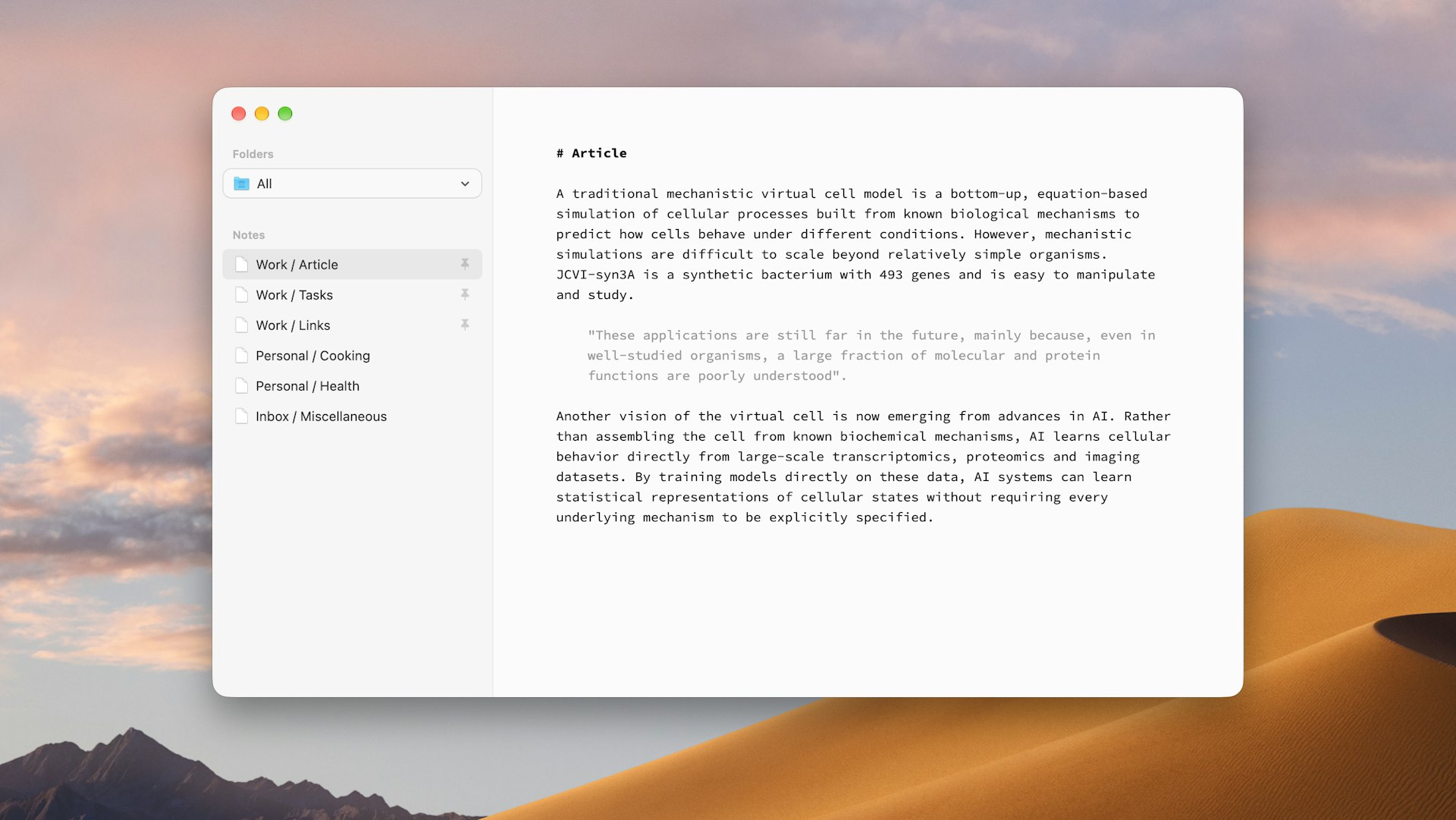
Paragraph Notes is a privacy-focused Markdown notes app for Mac. You write in a simple, distraction-free plain text editor, so nothing gets in the way of getting thoughts down. The app collects no data and never connects to the internet. Your notes are stored locally in an open, portable format, which means you always have access to them. You can use Paragraph Notes free for up to 20 notes, then upgrade to Pro with a one-time in-app purchase for unlimited notes. No subscription, just a clean tool that respects your privacy.
10
Glance at traffic and leave on time. CommuteBar displays live commute times directly on your Mac menu bar, so you never need to switch apps. Save multiple destinations like office, school, or gym. Schedule automatic switching for recurring commutes and receive leave soon and leave now indicators, plus optional notifications. You also get route comparison, delayed traffic alerts, and different travel modes.