
Best Productivity products of the week October 26, 2026
Explore the most innovative and popular productivity products that captured the community's attention during week. These rankings help builders compare standout launches, understand what each product does, and discover practical tools shaping the future of technology.
Period
Weekly ranking
Published for
October 26, 2026
Selection
10 ranked products
Ranked list
Community-backed productivity picks
Each product profile includes the launch story, visual preview, and direct product link so readers can move from discovery to evaluation quickly.
01
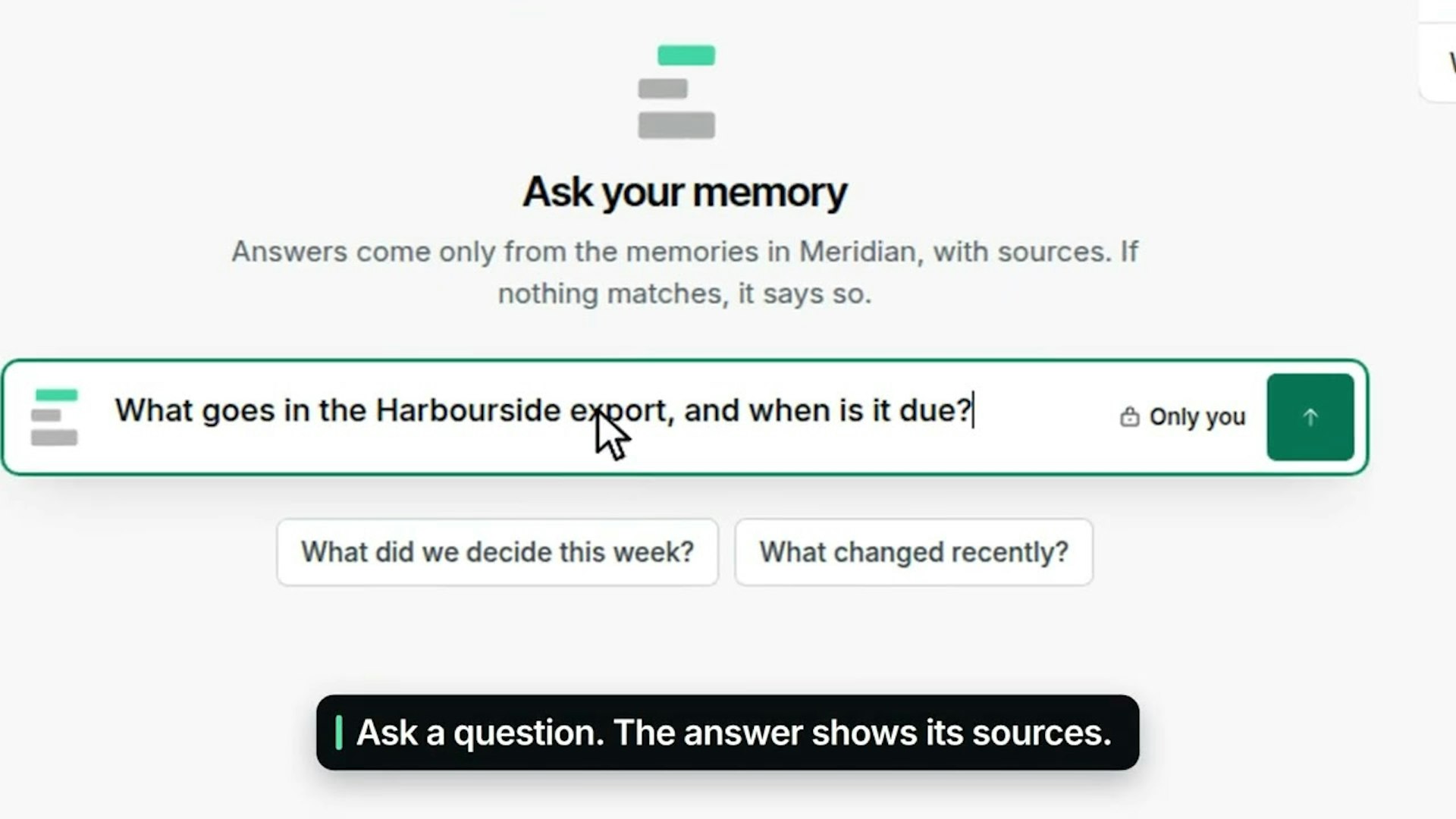
Context Engine gives your AI agents and your team a single shared memory. As Claude, ChatGPT, Cursor, and Claude Code do their work, they save important context to it. Your team can then read that context, ask questions, and add files. It is free to start.
02

sideOS lives in your Mac's notch. Hold Control + Option, say what you want, and let go. It reads your screen, opens apps, clicks, types, and tells you when it is done. You can run it fully offline with local models, or bring your own API key for Claude, OpenAI, Gemini, or Grok. It is a fast, hands-free way to get things done on your Mac.
03

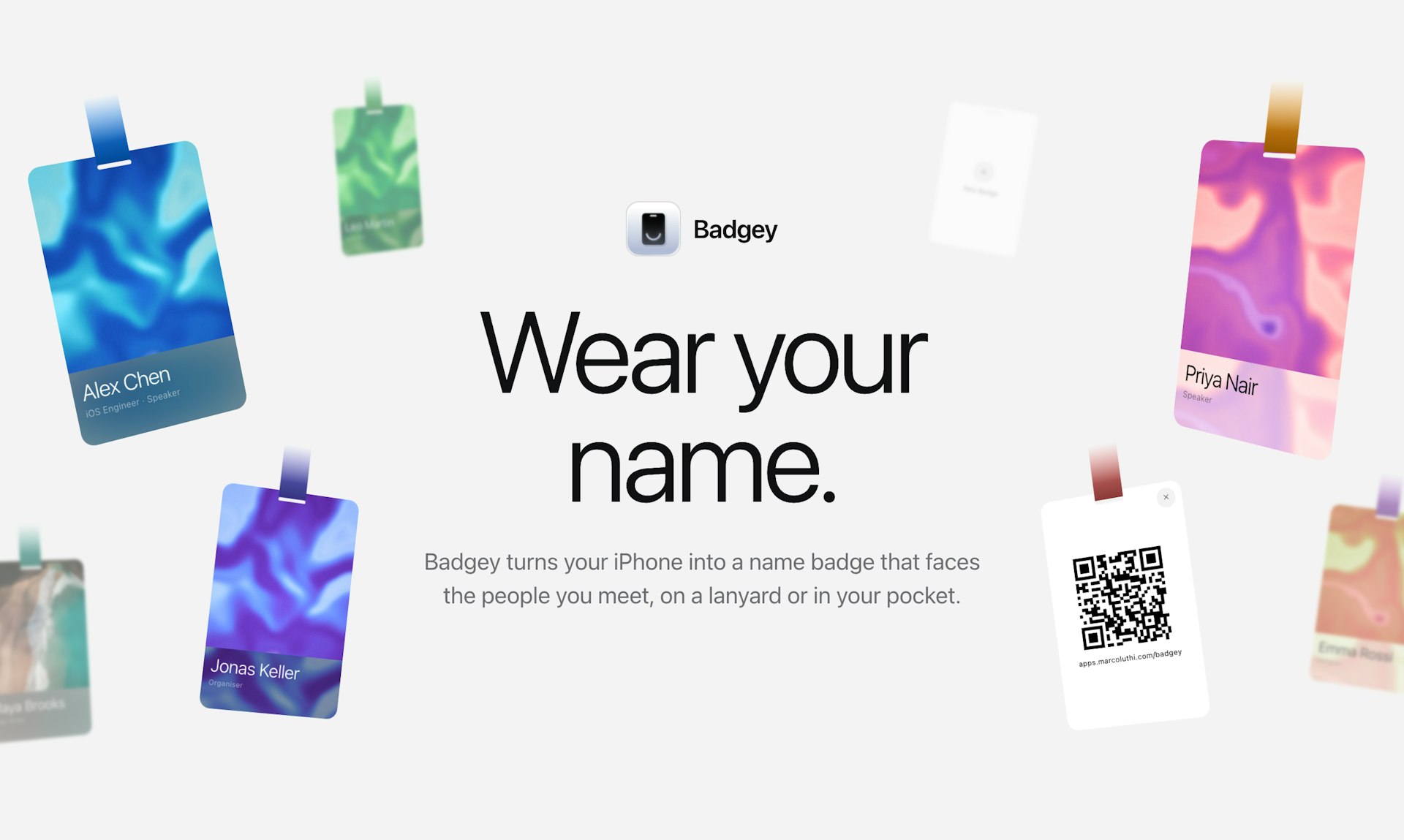
Badgey turns your iPhone into a real name badge. Wear it on a lanyard and it rotates to face the people you meet, then swings naturally as you move. Slip it into a chest pocket and it shrinks down so your name stays visible above the edge. You can manage several badges, add a QR code that points to your link, and pick from five designs. It is a simple, polished way to make introductions easier at events, conferences, and meetings.
04


start a focus timer by pulling a cat paw, it lives in your mac menu bar or you can pin it like a mini timer! it has adjustable focus and break sessions, eight cat paws, themes, and a quiet heads-up before your timer ends. made for macos 14+. $9.99 once, with no subscription.
05

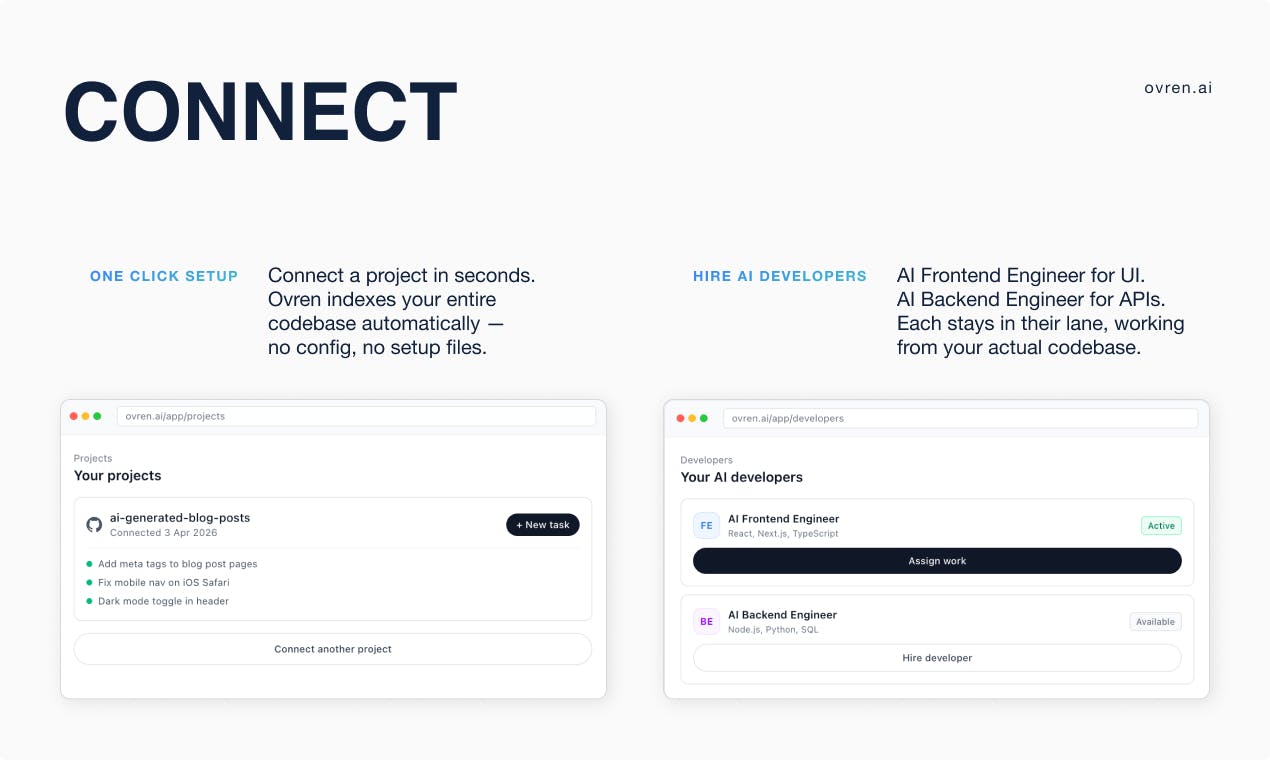
Every team has a backlog full of tasks that never seem to make it into a sprint. Ovren puts AI frontend and backend engineers on that work. They operate inside your real codebase, take on clearly scoped tasks, and deliver code updates you can review. You stay in control, and nothing ships without your approval.
06

Deepcell can help you with deadline tasks that require narrations, calculation and presentation at the same time, such as modeling, sales review, budget forecast and monthly report. DeepCell (both web app and agent plug-in) can create ready-to-use docs, spreadsheets, and slides—with sources and cheat sheets to help you explain. Furthermore, every edit can update related parts. The product is built on a newly designed document format (.deepcell), which is especially designed for system two tasks.
07


Many Displays works quietly in the background, so there is nothing to save, no layouts to name, and nothing to click. It remembers where every window lives, including the display, position, and size, then puts everything back on its own when your Mac wakes up, unlocks, or reconnects its monitors. You grant Accessibility once and forget it is there. It is built for identical monitors that macOS keeps swapping around, and it can tell them apart even by the port they are plugged into. No cloud, no account, just a one-time $19 payment and a 14-day free trial.
08


Moli by Lexmount is a browser engine we built from scratch specifically for AI agents. It starts faster and uses less memory than Chrome, which makes it a strong choice for agent workloads. You can use Moli through Lexmount Browser, our cloud browser platform, and run multiple isolated browser sessions with proxy support while we handle the infrastructure. Your agents can browse pages, fill out forms, and extract data without slowing down your own system. Try it in our Playground or connect through our SDK to see how quickly agents can get real work done.
09

This accessibility checker helps you find problems that can make PDFs hard for people with disabilities to read or use, like missing image descriptions and issues with headings. It shows affected content directly highlighted on the page, lets you review issues by severity, and gives clear instructions for fixing each one. The tool also points out the things that still need a human judgment call. You can upload PDFs up to 50 MB or paste a public link to check a file. It's completely free, with no sign-up, no email needed, and no files stored. Checks are run against WCAG 2.1 AA and PDF/UA standards.
10

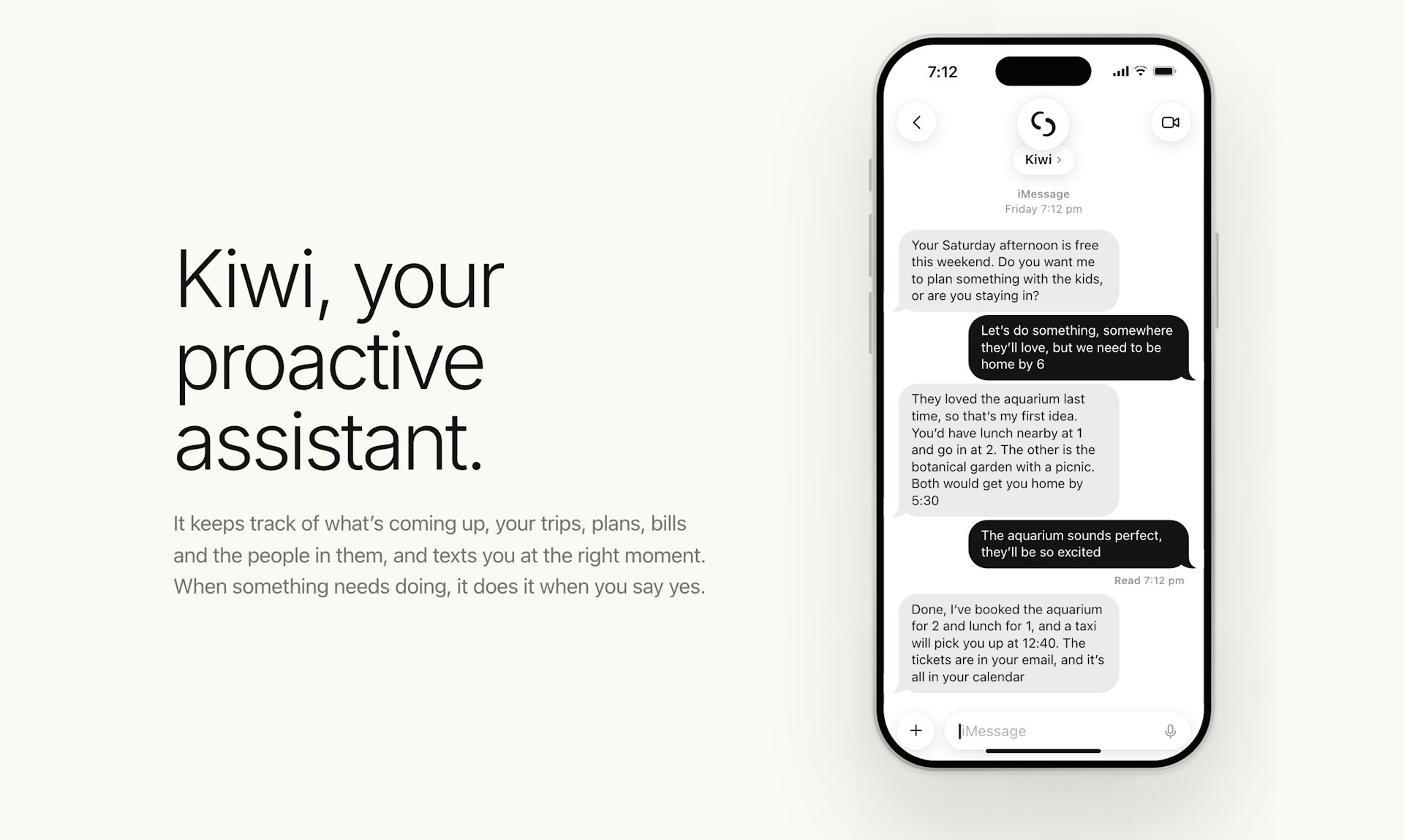
Kiwi is a proactive assistant that stays on top of what's coming up in your life: trips, plans, bills, and the people tied to them. It texts you at the right moment, right when a heads-up or nudge is useful. And when something needs to be done, Kiwi can do it on any app or website once you say yes. If your Saturday suddenly looks free, it might suggest a plan with the kids. If your flight is delayed, it can arrange a car for when you land. If a parcel needs a signature while you're at work, it can move the delivery to Saturday. All of it happens right in iMessage or WhatsApp. It's free during the pilot.